You know the feeling. You’ve spent weeks in Figma perfecting a button’s shadow or arguing over hex codes, only to hand it off to a developer who says, "I can't make that transition work with our current framework." The magic is gone. The soul of the design gets lost in translation. But what if you could just describe how an app should feel-"cozy," "sharp," "urgent"-and have AI build the interface right there on your whiteboard? That’s vibe coding.
This isn’t just another buzzword for AI-generated code. It’s a fundamental shift in how we build digital products. Instead of moving linearly from wireframe to mockup to code, vibe coding starts with language. You describe the mood and function, and tools like Figma Make generate working prototypes instantly. For designers, developers, and product managers in 2026, this means the gap between "idea" and "live app" has collapsed from weeks to minutes.
What Actually Is Vibe Coding?
Let’s cut through the noise. Traditional development treats design as a blueprint and code as the construction crew. They speak different languages. Vibe coding merges them. It uses natural language prompts to drive both the visual aesthetic and the functional logic of an application simultaneously.
Think of it like directing a movie scene. You don’t tell the actors exactly where to stand down to the millimeter; you tell them the emotion of the moment. "Make this entry feel mysterious but welcoming." The AI interprets that instruction, selecting typography, color palettes, and interaction patterns that match that emotional tone. Then, it writes the HTML, CSS, and React components to make it happen.
This approach democratizes development. You don’t need to be a senior engineer to validate a concept. If you can articulate a user experience, you can build it. This is particularly powerful for non-technical founders or designers who want to test hypotheses without waiting for engineering resources.
The Four-Step Workflow: From FigJam to Production
How do you actually do this? It’s not magic; it’s a structured process. Figma’s methodology breaks it down into four clear stages, leveraging their ecosystem of tools.
- Define the Vision: Start with words, not pixels. Write a prompt that captures the essence of the product. For example: "Create a dashboard for a plant-watering service. The vibe is earthy, calm, and slightly magical. Use rounded serif fonts for headings." This sets the creative direction before any technical constraints limit you.
- Establish Visual Truth in Figma Design: While AI generates starting points, you need a source of truth. Build core screens in Figma Design. Define your base components and styles here. These act as concrete references for the AI, ensuring that the generated code aligns with your existing design system rather than creating random, inconsistent elements.
- Test Interactions in Figma Make: This is where the rubber meets the road. Figma Make allows you to prototype interactions using natural language. Ask it to "make the card expand when clicked" or "add a subtle fade-in effect." You’re testing behavior and feel in real-time, catching UX issues before they become expensive code refactors.
- Bridge to Code: Once the vibe is right, export the code. Figma Make generates clean, editable front-end code. You can deploy this directly via Figma Sites for simple landing pages or transfer the components to environments like Cursor or Replit for complex backend integration.
Why Whiteboards (FigJam) Matter More Than Ever
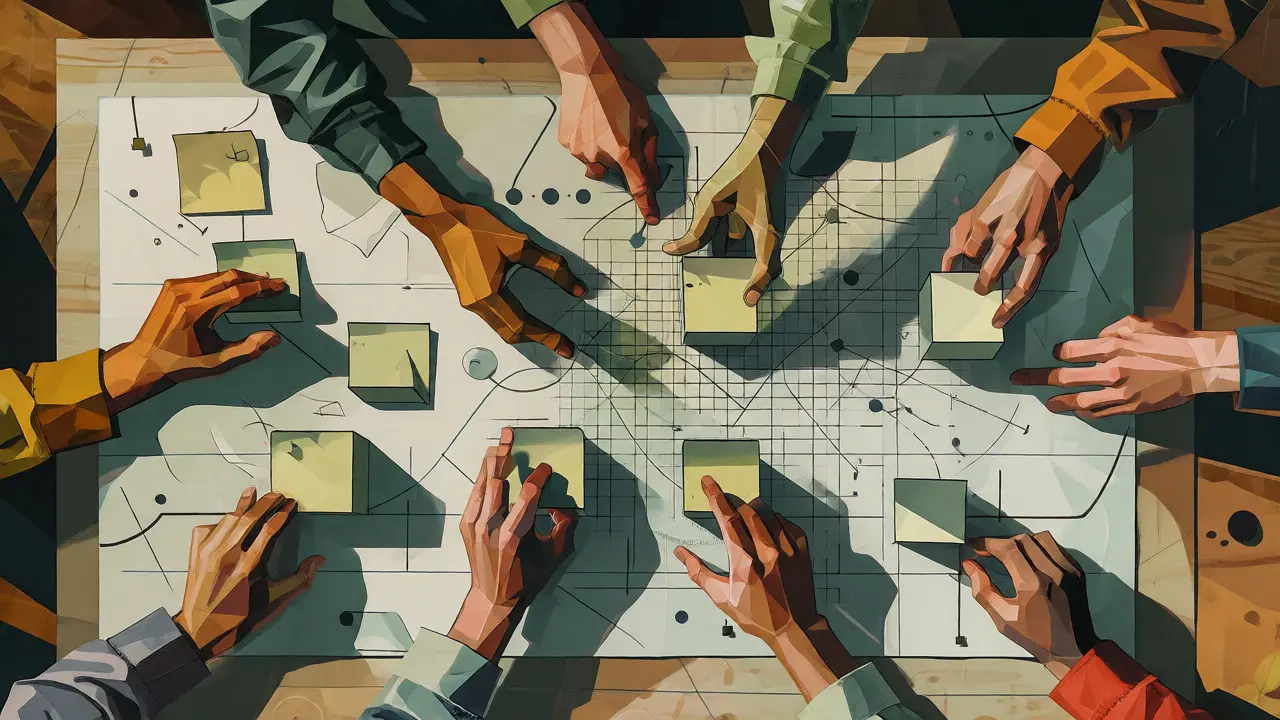
It sounds counterintuitive. In an age of high-fidelity AI generation, why go back to messy whiteboards? Because vibe coding relies on shared understanding. Before you write a single prompt, you need to map out the user journey.
Use FigJam to diagram user flows and database schemas collaboratively. When everyone agrees on the flow, the prompts become more accurate. If the team hasn’t agreed on whether a user logs in before or after seeing the pricing page, the AI will guess-and likely guess wrong. The whiteboard phase ensures that the "vibe" is consistent across disciplines. Writers, marketers, and engineers all contribute to the language used in the prompts, reducing friction later in the development cycle.
Real-World Example: Building a Pizza Shop App
Let’s look at a concrete scenario. Imagine you’re building a single-page site for a local pizza shop. Traditionally, this might take a designer two days and a developer three days. With vibe coding, a 20-year veteran product designer with zero coding background built this entire site in under 30 minutes.
Here’s how it worked:
- Prompt: "Design a hero section for a pizza shop. Warm, inviting, rustic. Show a steaming pizza. Headline should be bold and friendly."
- Iteration: The AI generated a layout. The designer didn’t like the font weight. Prompt: "Make the headline thicker and use a handwritten-style font for the 'Order Now' button."
- Interaction: Prompt: "When I hover over the menu items, highlight them with a warm orange glow."
- Deployment: Using GitHub Desktop and Figma’s MCP (Model Context Protocol), the designer pushed the code to production without ever opening a terminal.
This isn’t hypothetical. Tools like Claude AI integrated with Figma allow for this level of control. The key is iterative refinement. You don’t get perfection in one shot. You guide the AI with specific, sensory-based feedback.
Comparison: Vibe Coding vs. Traditional Handoff
To understand the value, compare it against the old way of doing things.
| Feature | Traditional Handoff | Vibe Coding |
|---|---|---|
| Starting Point | Wireframes & Specs | Natural Language Prompts |
| Feedback Loop | Days/Weeks (Code Review) | Seconds/Minutes (Prompt Iteration) |
| Skill Requirement | High (Dev + Design Separation) | Low/Medium (Creative Direction) |
| Focus | Structural Accuracy | Emotional Tone & Function |
| Toolset | Figma + Jira + IDE | Figma Make + FigJam + AI LLM |
Where Vibe Coding Falls Short
It’s not a silver bullet. Vibe coding shines in frontend generation and interface prototyping. It struggles with complex backend logic. If your app requires intricate database relationships, custom API integrations, or heavy business rules, AI-generated code is just a starting point. Developers still need to step in to connect the frontend to the backend services.
Also, code quality depends heavily on prompt specificity. A vague prompt like "make it nice" yields generic results. Specific prompts like "use a soft, leafy border and lighten the background to mimic morning light" yield precise, usable components. You must treat the AI as a junior developer who needs clear instructions, not a mind reader.
Getting Started: Your First 30 Minutes
If you’re ready to try this, here’s your checklist:
- Install the Tools: Get Figma, enable MCP (Model Context Protocol), and install an AI assistant like Claude Desktop or Cursor.
- Start in FigJam: Sketch your user flow. Don’t worry about aesthetics yet. Map the steps.
- Write Your First Prompt: Be descriptive. Use adjectives related to mood (calm, energetic, trustworthy).
- Iterate Visually: Don’t accept the first result. Tweak colors, spacing, and interactions through conversation with the AI.
- Export and Test: Move the code to a browser. See how it feels on a real device.
The barrier to entry has never been lower. You don’t need to learn React hooks to see if your idea works. You just need to know how to describe it.
Do I need to know how to code to use vibe coding?
No. Vibe coding is designed for designers and non-technical stakeholders. You use natural language to generate code. However, having basic knowledge helps in refining the output and troubleshooting errors.
Is the code generated by Figma Make production-ready?
For frontend interfaces, yes, it generates clean, editable HTML, CSS, and React code. For full-stack applications, developers usually need to integrate this code with backend APIs and databases.
What is the difference between Figma Design and Figma Make?
Figma Design is for creating static visual assets and components. Figma Make is the AI-powered tool that takes those designs (or text prompts) and generates interactive, coded prototypes.
Can I use my existing design system with vibe coding?
Yes. By linking your Figma Design files to Figma Make, the AI respects your existing components, colors, and typography, ensuring brand consistency in the generated code.
Does vibe coding replace developers?
No. It accelerates the frontend creation process. Developers are still needed for complex architecture, backend logic, security, and performance optimization.