Imagine asking your company’s internal wiki a complex question like, "What is our current policy on GDPR data retention for European clients?" and getting a direct, synthesized answer with citations in three seconds. For most organizations today, that still means manually searching through twelve different PDFs, Confluence pages, and email threads. This friction is exactly why Knowledge Management with Large Language Models has become the hottest topic in enterprise IT.
We are moving past the era of simple keyword search. The goal now is to build systems that understand context, retrieve relevant information from proprietary documents, and generate accurate answers. But building this isn't just about plugging an API into a chatbot. It requires a robust architecture, strict security protocols, and a clear understanding of where AI shines-and where it fails. Here is how you can implement effective Enterprise Q&A over internal documents without falling into common traps.
The Core Architecture: Retrieval-Augmented Generation (RAG)
To make an LLM work with your private data, you cannot simply feed millions of documents into its training set-that is too slow, too expensive, and risks leaking data. Instead, the industry standard is Retrieval-Augmented Generation (RAG). Think of RAG as a two-step process. First, the system searches your database for relevant chunks of text. Second, it feeds those specific chunks to the LLM along with your user's question, instructing the model to answer based only on that provided context.
This architecture solves the biggest problem with raw LLMs: hallucination. By grounding the response in retrieved facts, you drastically reduce made-up information. However, the quality of the answer depends entirely on the quality of the retrieval. If the system fetches irrelevant or outdated documents, the LLM will either guess or give a poor answer. This is why the "retrieval" part is often more critical than the "generation" part.
- Ingestion: Your documents (PDFs, Word files, wikis) are broken down into smaller chunks. Metadata like author, date, and department is preserved.
- Embedding: Each chunk is converted into a numerical vector using an embedding model. These vectors represent the semantic meaning of the text, not just keywords.
- Storage: These vectors are stored in a Vector Database like Pinecone, Weaviate, or Milvus. This allows for lightning-fast similarity searches.
- Query Processing: When a user asks a question, their query is also embedded and compared against the database to find the most similar document chunks.
- Generation: The top matching chunks are sent to the LLM, which synthesizes a final answer.
Choosing the Right Tools: Vector Databases and Models
Your choice of infrastructure dictates performance. For vector storage, you need a database optimized for high-dimensional data. Pinecone is popular for its managed service ease, while Weaviate offers strong hybrid search capabilities (combining vector and keyword search). If you are hosting internally, Milvus provides open-source scalability. The key metric here is latency; users expect sub-second responses. To achieve this, many enterprises use GPU acceleration, with NVIDIA A100 GPUs being the standard for production deployments requiring real-time inference.
For the LLM itself, you have two main paths. You can use foundation models via API, such as GPT-4 or Claude, which offer superior reasoning but send data outside your firewall. Alternatively, you can host open-source models like Llama 3 or Mistral locally. This keeps data secure but requires significant engineering resources to maintain. According to benchmarks from Lumenalta, properly implemented systems using hybrid approaches achieve 85-92% accuracy in retrieving correct information. However, context window limits remain a constraint. Most modern models handle around 32,000 tokens, meaning if your answer requires synthesizing five long reports, you might run out of space. Chunking strategies must be precise to avoid cutting off critical context mid-sentence.
| Feature | Traditional Search (SharePoint/Confluence) | LLM-Powered Q&A (RAG) |
|---|---|---|
| Search Method | Keyword matching | Semantic understanding & synthesis |
| Result Format | List of links/documents | Direct answer with citations |
| Cross-Document Synthesis | Poor (requires manual reading) | Strong (aggregates multiple sources) |
| Accuracy Risk | Low (shows original source) | Medium (hallucination possible) |
| Implementation Time | Days | Weeks to Months |
Security and Access Control: The Silent Killer
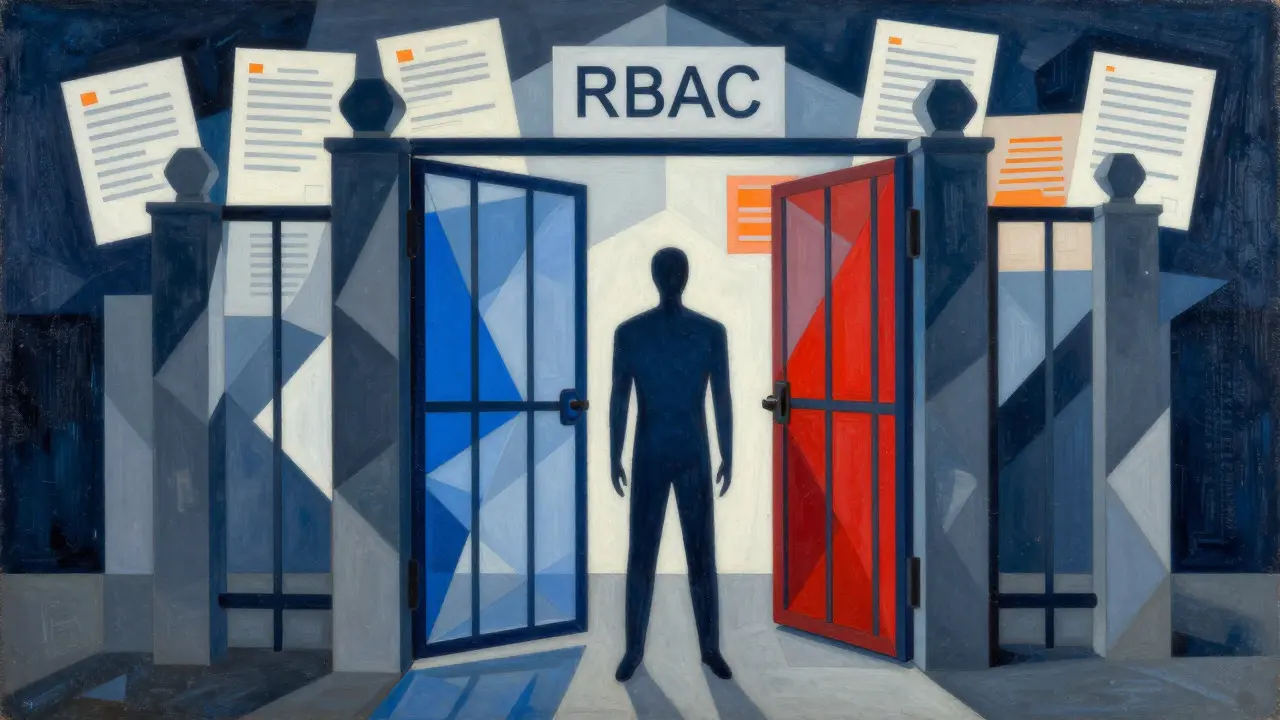
Many pilot projects fail because they treat all internal documents as equally accessible. In reality, HR policies should not be visible to interns, and financial forecasts should not reach marketing teams. Implementing Role-Based Access Control (RBAC) within your RAG pipeline is non-negotiable. Ninety-four percent of successful deployments cite strict access controls as essential.
Here is how it works: when a user logs in, their identity and permissions are passed to the retrieval layer. Before the vector database returns any results, it filters them based on the user's clearance level. If a junior developer asks about executive compensation, the system retrieves nothing-not even a generic error message that hints at the existence of such data. This prevents "data leakage" where sensitive info is inadvertently exposed through conversational interfaces.
Additionally, consider the EU AI Act and other emerging regulations. Transparency is key. Your system must track provenance-exactly which documents were used to generate an answer. Users need to click a citation link and see the original source. Without this audit trail, legal and compliance teams will block your rollout. Deloitte reports that 58% of European enterprises are now implementing knowledge provenance tracking specifically to meet these regulatory demands.
Data Quality and Maintenance
An LLM is only as good as the data it reads. If your internal wiki is filled with outdated procedures, conflicting guidelines, and typos, your AI assistant will reflect that chaos. This is known as "knowledge decay." Forty-eight percent of advanced systems address this by using automated recency scoring, prioritizing newer documents in the retrieval phase.
You need a maintenance strategy. Documents must be versioned. When a policy is updated, the old embeddings should be deleted or marked as deprecated. Some companies use timestamped embeddings to ensure the system always pulls the latest version. Furthermore, human-in-the-loop validation is crucial. Allow users to flag incorrect answers. This feedback loop helps you identify gaps in your knowledge base or issues with your prompt engineering. Dr. Andrew Ng’s research highlights that fine-tuning models on domain-specific data can improve accuracy by up to 47%, but this requires clean, curated datasets. Garbage in, garbage out remains the golden rule of AI.
Real-World Performance and Limitations
Let’s talk numbers. Workativ’s 2024 case studies show that employees resolve queries 63% faster with LLM-powered Q&A, and repetitive questions to IT help desks drop by 41%. That is significant productivity gain. However, these systems are not magic. They struggle with highly structured data queries. If someone asks, "Show me all sales transactions over $10,000 in Q3," a traditional SQL database is far superior. LLMs are bad at counting and precise arithmetic. Use them for unstructured text analysis, not spreadsheet math.
Cost is another factor. A Stanford study calculated that maintaining enterprise-scale LLM knowledge systems costs between $18,500 and $42,000 monthly per 10,000 employees in inference computing alone. You must balance performance with budget. Caching frequent questions and optimizing prompt length can help reduce token usage. Also, remember that implementation takes time. The average setup period is 8.3 weeks. Plan for a phased rollout, starting with low-risk departments like HR or Marketing before tackling complex technical domains.
Future Trends: From Search to Copilots
The landscape is shifting from general-purpose search to specialized "knowledge copilots." Gartner predicts that by 2026, 60% of large enterprises will deploy function-specific assistants rather than one giant centralized system. Imagine a dedicated "Compliance Copilot" for legal teams and a separate "Code Assistant" for developers, each fine-tuned on their specific jargon and document sets. This specialization improves accuracy and reduces noise.
We are also seeing the rise of multimodal capabilities. Thirty-one percent of new deployments in early 2024 included the ability to analyze charts, diagrams, and images within documents. This is crucial for technical manuals and financial reports where visual data holds key insights. Finally, autonomous maintenance is on the horizon. AI agents are beginning to monitor internal communications and automatically update knowledge bases, reducing the manual burden on knowledge managers. While promising, this technology is still maturing and requires careful oversight to prevent errors from propagating.
Is it safe to put confidential company data into an LLM?
Yes, if you use a Retrieval-Augmented Generation (RAG) architecture with proper security controls. The key is ensuring that data never leaves your secure environment unless necessary. Use local models or enterprise-grade APIs with strict data privacy agreements. Implement Role-Based Access Control (RBAC) so the AI only retrieves documents the user is already authorized to see. Always enable logging and audit trails to track what data was accessed and when.
How do I prevent the AI from making things up (hallucinating)?
Hallucinations occur when the LLM lacks sufficient context. To minimize this, ensure your retrieval step fetches highly relevant, recent, and complete document chunks. Use prompt engineering techniques that explicitly instruct the model to say "I don't know" if the answer isn't in the provided context. Additionally, implement a human-in-the-loop system where users can flag incorrect answers, allowing you to refine your retrieval algorithms and update your knowledge base.
What is the best way to structure documents for an LLM?
Documents should be clean, well-formatted, and consistently structured. Avoid dense blocks of text; use headings, bullet points, and clear paragraphs. During ingestion, break documents into logical chunks (e.g., by section or paragraph) rather than arbitrary character counts. Preserve metadata like title, author, date, and category, as this helps the retrieval system filter and rank results accurately. Outdated documents should be archived or removed to prevent confusion.
Can LLMs replace traditional search engines like SharePoint?
Not entirely. Traditional search is better for finding specific files by name or for querying structured data (like dates or IDs). LLMs excel at synthesizing information across multiple documents and answering natural language questions. The best approach is a hybrid one: use LLMs for conversational Q&A and insight generation, while keeping traditional search for precise file retrieval and administrative tasks.
How much does it cost to implement an enterprise LLM Q&A system?
Costs vary widely based on scale and architecture. Implementation typically takes 8-12 weeks. Ongoing operational costs include compute resources for inference and vector database storage. A Stanford study estimated $18,500-$42,000 monthly per 10,000 employees for inference alone. Additional costs include software licenses, integration with existing tools (Slack, Teams), and maintenance staff. Start with a pilot program to measure ROI before scaling enterprise-wide.