By mid-2026, the debate isn't about whether to use Generative AI in software development-it's about how to stop it from slowing you down. You've probably heard the hype: developers are twice as fast, bugs are a thing of the past, and junior engineers can ship production-ready code on day one. The reality is messier. While GitHub Copilot is the dominant AI coding assistant used by millions of developers globally, recent studies show that for experienced engineers working on complex tasks, these tools can actually cause a 19% slowdown.
This contradiction defines the current state of AI-assisted development. On one hand, companies report massive time savings on boilerplate code and documentation. On the other, they face new bottlenecks in verification, security reviews, and context switching. If you're leading a dev team or writing code yourself, understanding this nuance is critical. Blindly adopting these tools without adjusting your workflow won't just fail to deliver promised gains; it might hurt your output quality.
The State of AI Coding Assistants in 2026
The landscape has shifted dramatically since OpenAI released GPT-3 in 2020. Today, AI coding assistants are no longer experimental toys; they are central infrastructure for most engineering teams. According to Second Talent’s 2025 report, 41% of all code written globally is now either generated or assisted by AI. This represents a fundamental change in how we build software.
GitHub Copilot leads the pack with a 46% market share as of Q2 2025, according to G2 data. It leverages models derived from OpenAI’s Codex and integrates deeply with Visual Studio Code, which itself is used by 75% of developers. Competitors like Amazon CodeWhisperer holds a 22% share, particularly strong in AWS-centric environments, while Tabnine captures 18% by offering robust on-premises deployment options for privacy-conscious enterprises.
The technology behind these tools relies on Large Language Models (LLMs) fine-tuned on massive public code repositories. Modern versions feature context windows of up to 128K tokens, allowing them to understand entire files or even small projects simultaneously. They support over 80 programming languages, though their accuracy varies wildly depending on the language's popularity and structure. For instance, Copilot achieves an 85% accuracy rate in JavaScript and Python but drops to just 42% when dealing with legacy COBOL systems.
The Productivity Paradox: Speed vs. Quality
If you look at early marketing materials, you’d expect a straightforward linear increase in productivity. Harvard Business School’s 2024 field experiment initially suggested that developers completed tasks 25.1% faster with 40% higher quality outputs when using AI tools. GitHub’s internal metrics went further, claiming users completed 126% more projects weekly compared to manual coders.
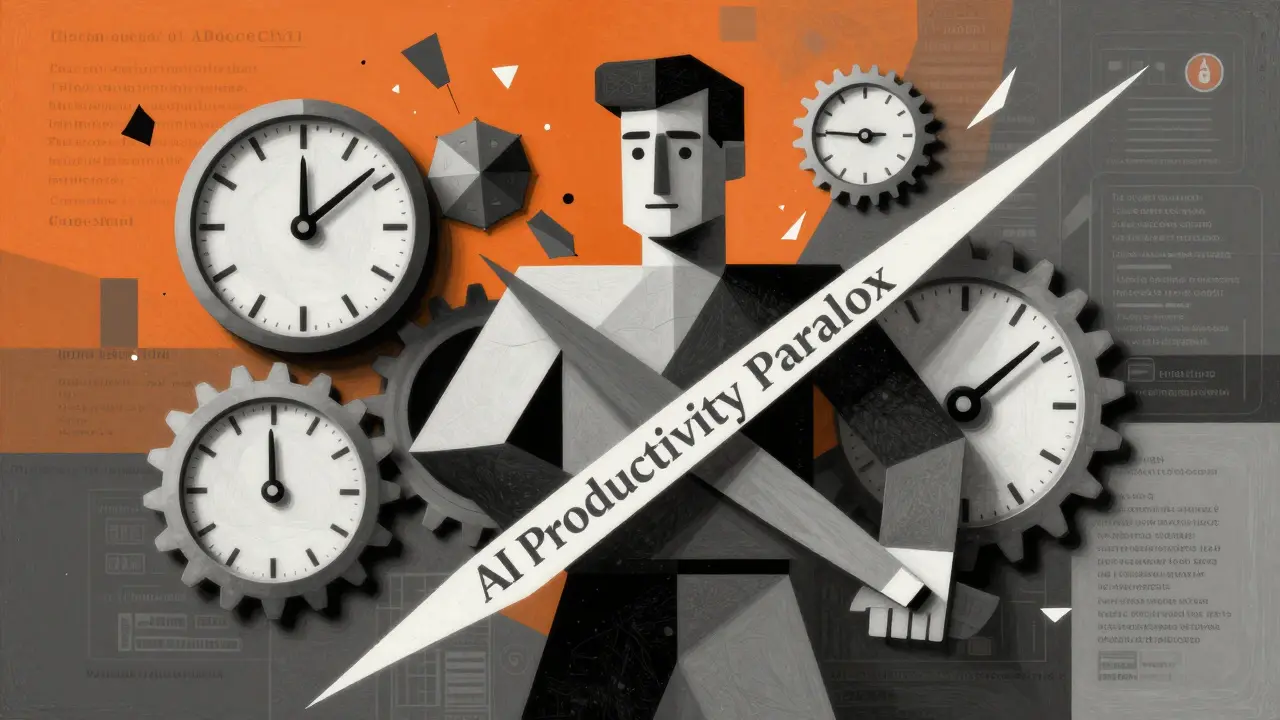
However, real-world application tells a different story. A randomized controlled trial led by Dr. Matthew Welsh at METR in July 2025 revealed a stark contrast. When experienced open-source developers used AI assistants for realistic coding tasks lasting between 20 minutes and 4 hours, they were actually 19% slower than those who coded manually. Why? Because the time saved on typing was lost in verifying the AI’s suggestions.
This phenomenon is known as the "AI Productivity Paradox." Faros AI’s July 2025 report highlights that while individual developer output increases, company-wide productivity often shows minimal improvement due to coordination overhead. Developers spend significant cognitive load reviewing AI-generated code for subtle logic errors, security flaws, and style inconsistencies. The tool speeds up the generation of text, but not necessarily the creation of reliable software.
| Tool | Market Share (Q2 2025) | Price (Enterprise) | Key Strength | Major Weakness |
|---|---|---|---|---|
| GitHub Copilot | 46% | $19/user/month | Broad language support & IDE integration | High error rates in edge cases |
| Amazon CodeWhisperer | 22% | $19/user/month | AWS ecosystem integration & security scanning | Poor performance outside AWS environments |
| Tabnine | 18% | $39/user/month | On-premises deployment & data privacy | High setup time (40-60 hours) |
Security Risks and Hidden Costs
The most dangerous aspect of AI coding assistants isn't that they write bad code-it's that they write bad code confidently. A 2025 report by Second Talent found that 48% of AI-generated code contains potential security vulnerabilities. These aren't always obvious syntax errors; they often involve insecure API calls, hardcoded secrets, or outdated library dependencies that the model learned from old public repositories.
Dr. Sarah Elliott, Director of MIT’s AI Ethics Lab, warns that this creates a false sense of productivity. If you accept AI suggestions without rigorous review, you’re trading speed for security debt. Many organizations have had to strengthen their security review processes proportionally to the amount of AI code they integrate. This adds layers of scrutiny that didn’t exist before, potentially offsetting the time saved during initial coding.
Licensing issues also complicate matters. Since LLMs are trained on public codebases, there’s a risk that AI assistants might suggest code snippets that violate open-source licenses or intellectual property rights. About 57% of companies have mitigated this by implementing automated code scanning tools specifically designed to detect copyrighted patterns in AI-generated output.
Implementation Challenges for Teams
Adopting AI coding assistants isn't as simple as installing a plugin. Menlo Ventures’ 2025 enterprise survey indicates that typical organizations spend 80-120 hours on integration, security configuration, and team training. This upfront investment is often underestimated.
Developers need time to master prompt engineering techniques. GitHub’s 2025 user study showed that it takes 2-3 weeks for a developer to achieve proficiency in effectively guiding the AI. During this learning curve, productivity often dips. Teams must establish clear protocols for reviewing AI-generated code. Currently, 63% of enterprises enforce mandatory peer reviews for any code block assisted by AI.
There’s also a cultural shift required. Some teams struggle with over-reliance on the tool. To combat this, 48% of engineering teams have introduced "AI-free Fridays," where developers work without assistance to maintain their core debugging and architectural skills. Engineering managers rate strong debugging capabilities as essential (89%) for anyone using AI tools, precisely because the AI will inevitably make mistakes that require human intervention.
Who Benefits Most?
Not everyone experiences the same results from AI coding assistants. Adoption disparities reveal interesting trends. Junior developers benefit significantly, with onboarding times dropping from three weeks to five days in some reported cases. They use the AI as a tutor, learning framework structures and best practices through the suggestions provided.
However, senior engineers face different challenges. The METR study focused on experienced developers, finding that their expertise allowed them to spot AI errors quickly, but the constant interruption broke their flow. Additionally, demographic data shows adoption gaps: female engineers adopted these tools at a 31% rate compared to 52% for male counterparts, and engineers over 40 adopted at 39% versus 68% for those under 30. Bridging this gap requires inclusive training programs and ensuring that AI tools don't inadvertently reinforce biases present in their training data.
Small companies tend to see faster test generation (up to 50% quicker), while large enterprises experience broader reductions in development time (33-36%). The key difference lies in process maturity. Organizations with established CI/CD pipelines and strict code review standards are better positioned to harness AI efficiency without compromising quality.
Future Outlook: Beyond Code Generation
The industry is moving beyond simple autocomplete. GitHub launched Copilot Workspace in September 2025, enabling end-to-end feature development from natural language prompts. Meta released Code Llama 3 with a 1M token context window, allowing models to ingest entire codebases for deeper contextual understanding.
Gartner predicts that by 2027, 50% of all code will be AI-generated. However, the focus is shifting toward "guardrails" and validation. GitHub plans to release "Copilot Guardrails" in Q1 2026 for automated security validation, addressing the vulnerability concerns head-on. Amazon is rolling out "CodeWhisperer Enterprise" with custom model fine-ting, allowing companies to train AI on their own proprietary code styles and standards.
Regulatory frameworks are also catching up. The EU AI Act now requires transparency about AI-generated code in critical systems. By Q2 2025, 42% of enterprises had implemented specific AI code review policies to comply with emerging regulations. As the technology matures, the value proposition will shift from raw speed to reliability, security, and seamless integration into existing workflows.
Do AI coding assistants actually save time?
It depends on the task and the developer's experience level. For boilerplate code, documentation, and simple functions, yes, they save significant time-often 5-7 hours per week. However, for complex algorithms or tasks requiring deep domain knowledge, experienced developers may experience a slowdown due to the time spent verifying AI suggestions. The net gain comes from reducing cognitive load on repetitive tasks, not necessarily speeding up every line of code.
Is AI-generated code secure?
Not inherently. Studies show that nearly half of AI-generated code contains potential security vulnerabilities, such as insecure API calls or outdated libraries. AI models do not understand security contexts; they predict likely code patterns. Therefore, AI-generated code must undergo rigorous security reviews and automated scanning before being merged into production. Never treat AI output as trusted code.
Which AI coding assistant is best for enterprise use?
For most general purposes, GitHub Copilot offers the broadest language support and integration. However, if data privacy is a top concern, Tabnine is often preferred because it allows on-premises deployment, ensuring your proprietary code never leaves your network. Amazon CodeWhisperer is ideal for teams heavily invested in the AWS ecosystem due to its native integration and security scanning features tailored for AWS services.
Will AI replace software developers?
No, but it will change the role. AI acts as a pair programmer, handling routine tasks and accelerating development cycles. However, it lacks the ability to understand business context, make architectural decisions, or debug complex system interactions without human guidance. The demand for skilled developers who can manage, verify, and direct AI tools is expected to grow, not shrink.
How much does it cost to implement AI coding assistants?
Direct licensing costs range from $10 to $39 per user per month depending on the tool. However, the total cost of ownership includes 80-120 hours of integration and training time per organization, plus the ongoing computational cost of code reviews and security scanning. Enterprises should budget for both the subscription fees and the operational overhead of managing AI-assisted workflows.