You’ve probably heard the term vibe coding floating around developer circles lately. It’s not just a buzzword; it’s a shift in how we build software. Instead of wrestling with boilerplate configuration files, routing logic, and database schemas separately, you want to define your app’s intent and let the tools handle the heavy lifting. That is exactly where Wasp comes in.
Wasp is a domain-specific language (DSL) designed for full-stack web application development. Created by Marko Dnestan, Matija Sirk, and Marko Bogojević, it aims to solve one of the biggest headaches in modern web dev: complexity. By letting you define your entire application structure through a single declarative configuration file, Wasp cuts down on repetitive code by an estimated 60-70%. If you are tired of spending days setting up authentication or syncing frontend and backend types, this framework might be the productivity boost you need.
What Is Wasp and How Does It Work?
At its core, Wasp is a compiler written in Haskell. You write your application logic in a main.wasp file using Wasp’s simple syntax. Then, the compiler generates the actual production-ready code for you. This generated code includes a React frontend, a Node.js backend with Express.js, and a Prisma data access layer connected to PostgreSQL.
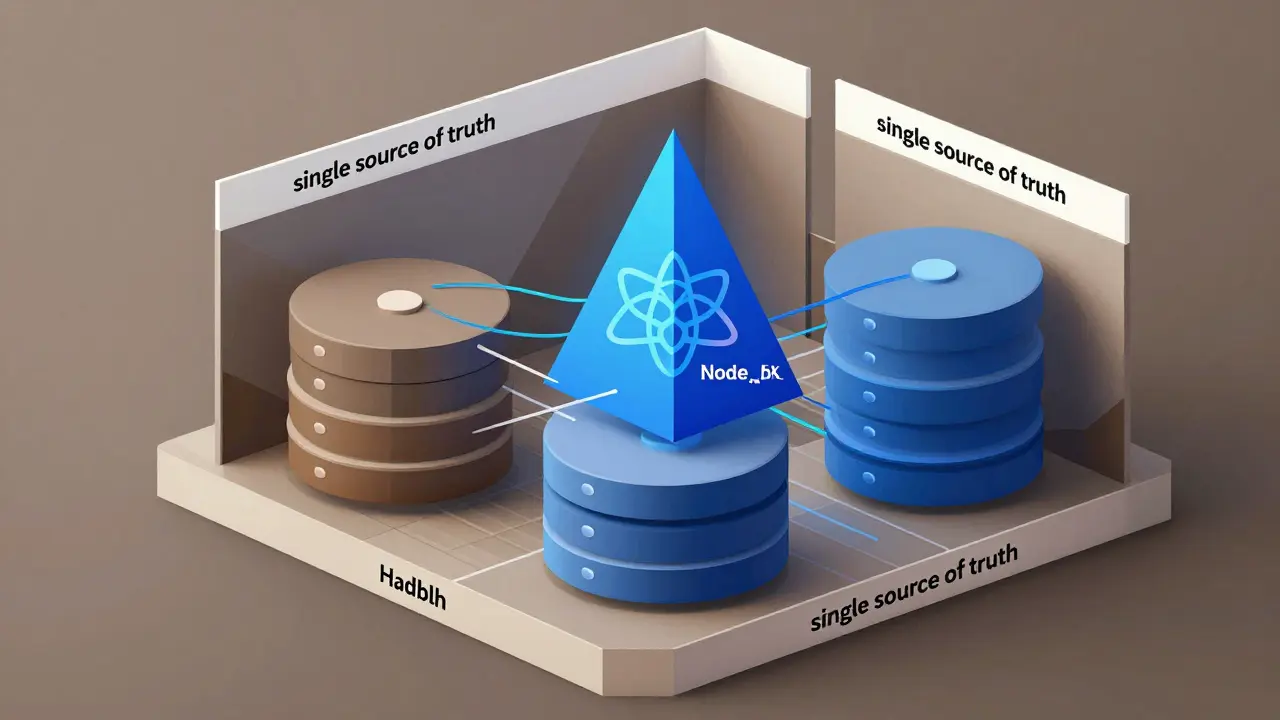
The magic happens because Wasp acts as a single source of truth. When you change a definition in your Wasp file, the compiler updates the frontend, backend, and database schema simultaneously. This eliminates the common pain point of mismatched types between client and server. According to technical analysis from LogRocket in March 2024, this approach reduces the volume of required code significantly, allowing developers to focus purely on business logic rather than infrastructure plumbing.
As of January 2026, the stable version is 0.12.1. It supports a specific but powerful stack:
- Frontend: React + TanStack Query
- Backend: Node.js + Express.js
- Database: PostgreSQL via Prisma ORM
You don’t need to know Haskell to use Wasp. You just need to be comfortable with React and Node.js concepts. The learning curve is moderate; most developers familiar with these technologies become proficient within 8-12 hours.
The Vibe Coding Experience: Speed vs. Control
Why do people call it "vibe coding"? Because it feels intuitive. You describe what you want, and Wasp gives it to you. For example, setting up full-stack authentication usually requires integrating libraries like Auth0 or Firebase, configuring JWTs, and securing routes. In Wasp, you can set up secure user authentication in about 15 lines of configuration.
This speed is ideal for specific scenarios:
- MVP Development: Launching a startup idea quickly to test market fit.
- Internal Tools: Building admin dashboards or CRUD applications for your team.
- Learning Projects: Focusing on UI/UX and logic without getting bogged down in setup.
A case study from RedSkyDigital in December 2025 showed that enterprise teams reduced their initial setup time by 40% when using Wasp. One GitHub user reported building a complete e-commerce MVP in three days-a task that typically takes two weeks with a traditional React+Node.js stack.
However, there is a trade-off. Wasp abstracts away the details. If you need highly customized infrastructure or complex microservices architecture, you might hit a wall. The framework shines for projects under 50,000 lines of business logic. Beyond that, you may find yourself needing to "eject" from the generated code to make advanced customizations, which can be messy.
Wasp vs. Traditional Full-Stack Frameworks
How does Wasp compare to giants like Next.js or Nuxt.js? Next.js is primarily a frontend framework that has added server-side capabilities. To get a full-stack experience with Next.js, you often need to install and configure 15-20 additional packages for database connections, authentication, and API routing. Wasp provides these out of the box.
| Feature | Wasp (v0.12.1) | Next.js (v14.1.0) |
|---|---|---|
| Setup Complexity | Low (Single config file) | High (Multiple packages/configs) |
| Authentication | Built-in (Declarative) | Requires external libs (Auth.js, etc.) |
| Database Integration | Prisma + PostgreSQL (Default) | Flexible (Any DB driver) |
| Type Safety | Full-stack automatic | Manual setup required |
| Customization | Limited (Generated code) | Unlimited (Standard JS/TS) |
Next.js offers more flexibility if you need to switch databases or use a different frontend library. Wasp locks you into its specific stack (React/Node/PostgreSQL). But for many developers, that lock-in is actually a benefit-it removes decision fatigue.
Limitations and When Not to Use Wasp
Wasp isn’t a silver bullet. As of early 2026, it has some notable limitations that could derail your project if you aren’t aware of them.
First, database support is limited. Wasp only supports PostgreSQL natively. If your company mandates MySQL or MongoDB, you cannot use Wasp today. The roadmap mentions support for alternative databases by Q3 2026, but that’s not here yet.
Second, real-time features are tricky. While Wasp handles standard RPC calls well, implementing complex WebSocket functionality for real-time chats or live dashboards requires workarounds. Stack Overflow discussions from late 2025 show many developers struggling to implement custom WebSocket layers beyond Wasp’s basic capabilities.
Third, debugging can be opaque. Since Wasp generates code, error messages sometimes point to the generated boilerplate rather than your original Wasp file. About 89 GitHub issues cite inadequate error messages for DSL syntax errors as a major frustration.
If you are building a high-frequency trading platform, a massive social network with millions of concurrent users, or an app requiring deep customization of the underlying Node.js event loop, stick to traditional frameworks. Wasp is best for CRUD-heavy applications, SaaS products, and internal tools.
Getting Started with Wasp in 2026
Ready to try it? The barrier to entry is low. Here is how you get running:
- Install Requirements: Ensure you have Node.js 18.0+, npm 8.0+, and PostgreSQL 12+ installed on your machine.
- Create Project: Run
wasp new my-appin your terminal. This scaffolds the entire project structure. - Start Development: Run
wasp start. This launches the dev server, compiles your Wasp file, and opens the app in your browser. - Deploy: When you’re ready, run
wasp deployto push your app to Fly.io with zero configuration.
The community is active and helpful. With over 15,000 GitHub stars and a Slack channel of 1,243 active members, you won’t be stuck for long. The average response time for technical questions in the Slack channel is just 22 minutes. Additionally, the "Wasp Recipes" repository contains 127 solution patterns for common challenges, which is invaluable for beginners.
Future Outlook: Where Is Wasp Heading?
The future looks bright for Wasp. The JavaScript full-stack framework market is growing rapidly, valued at $2.3 billion in 2025. Wasp captured about 1.2% of new projects in late 2025, but adoption is accelerating, especially among individual developers and small teams.
The official roadmap for 2026-2027 includes exciting additions:
- Alternative Database Support: MongoDB and MySQL integration planned for Q3 2026.
- Mobile App Generation: Ability to generate mobile apps from the same codebase by Q1 2027.
- Multi-Stack Frontends: Support for Vue.js alongside React by Q2 2027.
Analysts predict Wasp could capture 5-7% of the market by 2027 if it addresses its customization limitations. The key risk is whether larger frameworks like Next.js will adopt similar DSL capabilities, potentially making Wasp obsolete. However, Wasp’s open-source MIT license and "no lock-in" policy (allowing you to extract all generated code) provide a safety net that encourages adoption.
Frequently Asked Questions
Is Wasp suitable for large enterprise applications?
Not currently. Wasp excels for MVPs, internal tools, and mid-sized SaaS apps. For large enterprises requiring highly customized infrastructure, microservices, or complex scaling strategies, traditional frameworks offer more control. RedSkyDigital rated Wasp 3.2/5 for enterprise scalability due to customization limits.
Can I use Wasp with MySQL or MongoDB?
No, as of January 2026, Wasp only supports PostgreSQL. Support for MySQL and MongoDB is planned for release in Q3 2026 according to the official roadmap.
Do I need to know Haskell to use Wasp?
No. Wasp is written in Haskell, but you interact with it using its own simple DSL. You only need knowledge of React, Node.js, and basic declarative programming concepts.
How does Wasp handle authentication?
Wasp includes built-in, full-stack authentication. You can define user roles and login methods directly in your main.wasp file. The compiler generates the necessary backend endpoints and frontend components, reducing setup to roughly 15 lines of code.
Is Wasp free to use?
Yes, Wasp is open-source under the MIT license. There are no costs associated with using the framework itself, though deployment costs depend on your chosen hosting provider (e.g., Fly.io).
Can I customize the generated code?
You can add custom JavaScript/TypeScript files outside the .wasp directory, which Wasp preserves during compilation. However, directly editing the generated code inside .wasp is discouraged as changes will be overwritten. For deep customization, you may need to eject from the framework.
How does Wasp compare to Next.js?
Wasp is a full-stack DSL that bundles frontend, backend, and database logic into one config. Next.js is primarily a frontend framework that requires manual integration of backend and database tools. Wasp is faster for setup but less flexible for complex, non-standard architectures.
What is the performance impact of using Wasp?
Minimal. Benchmarks from Semaphore.io indicate that Wasp-generated apps achieve 95-98% of the raw performance of manually coded equivalents. The overhead is negligible for most web applications.