When you run a large language model (LLM), it’s not just about picking the biggest model available. The real challenge is workload placement-deciding which task goes where, on what hardware, and when. Get it wrong, and you waste money, slow down progress, or miss deadlines. Get it right, and you cut costs, speed up development, and unlock better performance. This isn’t theory. It’s what teams at major AI labs are wrestling with every day.
Not All LLM Tasks Are the Same
LLMs don’t just run one kind of job. They handle a pipeline of very different workloads, each with its own demands. Think of it like a factory: you wouldn’t use the same assembly line to build a car engine and package the final product. The same goes for LLMs. There are five main stages in the LLM lifecycle:- Data preparation: Gathering and cleaning hundreds of terabytes of text. This is messy, disk-heavy work.
- Pretraining: Training the model from scratch on massive unlabeled datasets. This is where you need hundreds of GPUs running nonstop for months.
- Alignment: Fine-tuning the model to follow instructions or behave ethically. This can mean using supervised fine-tuning (SFT) or reinforcement learning.
- Deployment: Packaging the model for use-optimizing it for size, speed, or cost.
- Serving: Running the model in real time for users, answering queries, generating content.
Hardware Isn’t Just About GPUs
Most people think LLMs need GPUs-and they do, but only part of the story. The real trick is matching tasks to the right kind of hardware. A study from the Acme datacenter showed workload patterns aren’t smooth. They’re polarized: clusters either sit at 0% utilization or 100%. Why? Because most LLMs use the same Transformer architecture. When you train one model, you’re training dozens of copies in parallel. So if your infrastructure doesn’t handle that burst, you’re either idle or overloaded. Here’s what matters beyond GPU count:- Memory bandwidth: Pretraining needs fast HBM (High Bandwidth Memory). Slower RAM creates a bottleneck even with 100 GPUs.
- SSD storage: Data prep jobs move terabytes. If your nodes don’t have local NVMe SSDs, you’re bottlenecked on network transfers.
- Network topology: If two tasks need to share data, putting them on the same rack or even same server cuts latency by 80%.
- CPU cores: Serving models need lots of CPU threads to handle concurrent requests-even if the model runs on GPU.
LLMs Are Now Helping Place Their Own Workloads
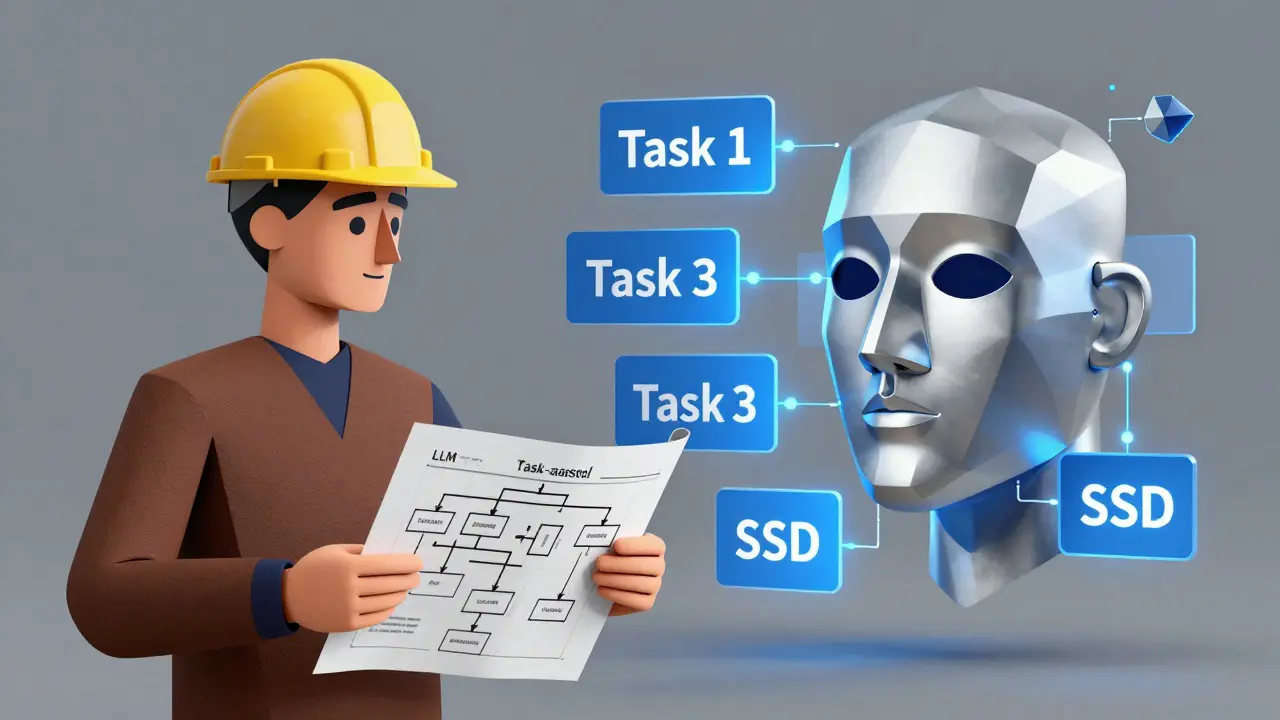
Here’s the wild part: researchers tested 21 different LLMs to see if they could solve their own scheduling problems. They gave each model a natural-language description of tasks and hardware, like:- Task 1: Needs 8 CPUs, 32GB RAM, GPU, 3 hours, outputs 10GB
- Task 2: Needs 4 CPUs, 16GB RAM, CPU-only, 2 hours, depends on Task 1
- Task 3: Needs 16 CPUs, 64GB RAM, SSD, 5 hours
- Task 4: Needs 8 CPUs, 32GB RAM, CPU-only, 4 hours, depends on Task 2 and 3
Training vs Inference: Two Different Worlds
This is where many teams get tripped up. They use the same cluster for training and serving. Big mistake. Training workloads are:- Long-running (days to months)
- GPU-heavy
- Batch-oriented
- Highly parallel
- Short bursts (milliseconds per request)
- Latency-sensitive
- High concurrency (thousands of users)
- Often run on smaller, cheaper models
- Training cluster: 8x A100s per node, 100+ nodes, high-speed interconnects, massive local storage.
- Inference cluster: Smaller models (7B-13B parameters), optimized with quantization, run on CPU or low-power GPUs, deployed with autoscaling.
What Works in Practice
So how do top teams actually do this? They use a mix of tools:- ILP/MILP solvers: Math-based optimization. Gives you the best schedule, but takes hours to compute. Best for planning, not real-time.
- HEFT and OLB: Heuristic algorithms. Fast, good enough for daily scheduling. Used by most cloud AI platforms.
- LLM-assisted planning: Engineers feed the system a natural-language description. The LLM suggests a layout. The engineer approves or tweaks it.
- Identifying that 70% of their data prep jobs were stuck on network-attached storage.
- Migrating those jobs to nodes with local NVMe SSDs.
- Co-locating pretraining and alignment tasks on the same GPU racks to avoid data transfers.
What Not to Do
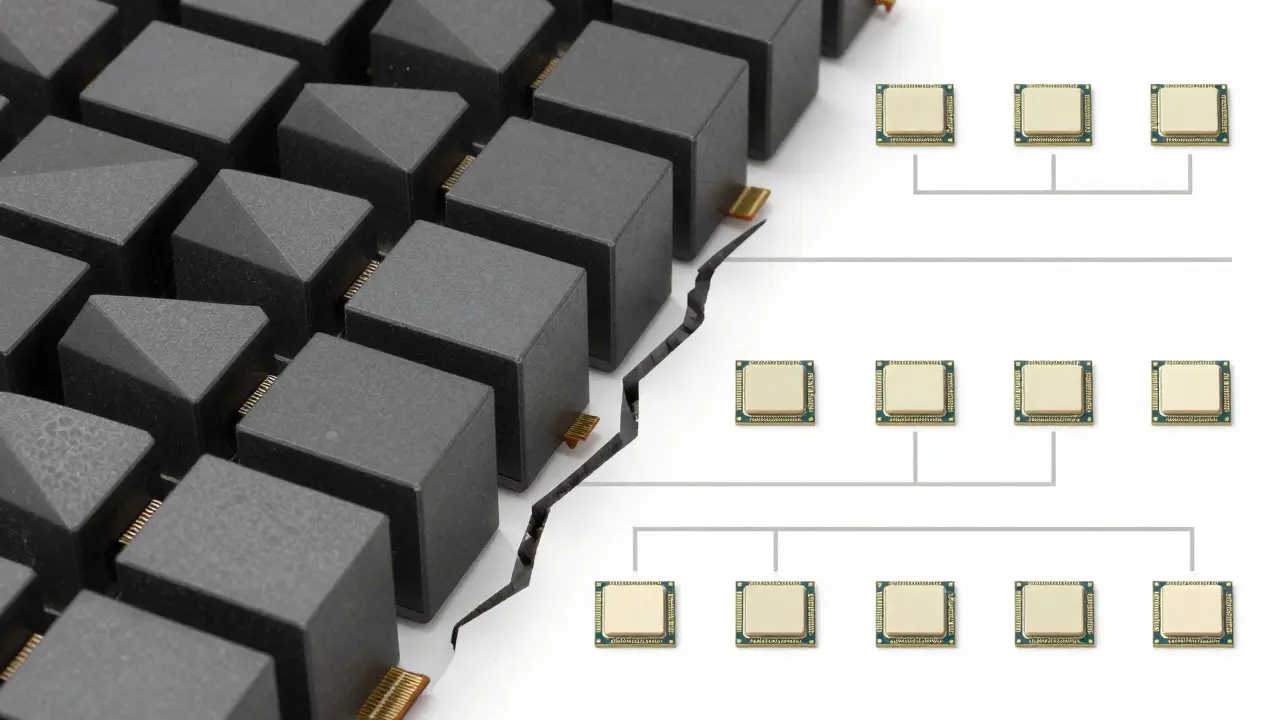
Here are three common mistakes:- Using the same hardware for everything: If you’re running 175B-parameter models on the same cluster as 7B inference models, you’re wasting money and slowing things down.
- Ignoring data movement: Moving 50GB of data between nodes is slower than training a small model. Always ask: Can this task run where the data is?
- Letting LLMs make decisions alone: They’re helpful, not infallible. Always validate their suggestions against known constraints.
Future of Workload Placement
The next leap won’t come from bigger GPUs. It’ll come from smarter scheduling. Hybrid systems are emerging-where traditional optimization engines handle the hard math, and LLMs handle the interpretation. Imagine this: An engineer says, “I need to finish pretraining by Friday.” The system checks:- Current GPU usage
- Available SSD nodes
- Network congestion
- Dependency chains
Start Here
If you’re managing LLM workloads right now, ask yourself:- Do I know which stage of the pipeline each job belongs to?
- Do I have separate infrastructure for training and serving?
- Am I tracking data transfer costs, not just GPU hours?
- Have I tested whether my current placement is optimal-or just convenient?
What’s the biggest mistake teams make with LLM workload placement?
The biggest mistake is using the same infrastructure for training and inference. Training needs massive, long-running GPU clusters. Inference needs low-latency, scalable systems. Mixing them wastes money, slows performance, and makes scaling harder. Teams that split these workloads cut costs by up to 60% and improve response times by 3x.
Can LLMs replace traditional scheduling algorithms?
Not yet. LLMs are great at explaining options and spotting patterns in natural language, but they’re probabilistic. Two identical prompts can lead to two different schedules. Traditional methods like ILP or HEFT give guarantees: they’ll always produce a feasible, optimized result. The best approach is using LLMs as assistants-helping engineers understand trade-offs-while letting algorithms handle the math.
Why does data movement matter more than GPU count?
Because moving data is slow. Transferring 20GB over a network can take 20-30 minutes. Copying it locally on an SSD node takes under 2 seconds. In LLM training, where tasks depend on each other, a single data transfer can delay an entire pipeline by hours. Optimizing placement means minimizing transfers-not just maximizing GPU usage.
What hardware features matter most for LLM training?
For training, you need: high-bandwidth memory (HBM) on GPUs, fast interconnects between nodes (like InfiniBand or NVLink), and local NVMe SSDs for data loading. Memory bandwidth is often the bottleneck, not the number of GPUs. A cluster with 100 slower GPUs and poor memory can be slower than 50 high-end GPUs with optimized memory and storage.
How do I know if my workload placement is inefficient?
Look for these signs: GPU utilization drops below 70% for long periods, data transfer times are longer than compute times, tasks wait because they’re on different racks, or you’re using expensive GPUs for CPU-only tasks. Start logging job durations and data movement. If a job takes 4 hours but 2 of those are waiting for data, you’ve found your bottleneck.
Ashton Strong
March 11, 2026 AT 01:20Workload placement is one of those unsung heroes of AI infrastructure. Most teams obsess over GPU counts, but the real win comes from minimizing data movement. I’ve seen teams waste weeks because they didn’t co-locate data prep with pretraining-20GB over the network isn’t just slow, it’s a silent budget killer.
Switching to local NVMe for data tasks alone cut our cycle times by 30%. No new hardware. Just smarter placement. It’s not glamorous, but it’s where real efficiency lives.
Also, never underestimate the power of splitting training and inference clusters. Running a 70B model on the same nodes as your 7B serving instances is like using a jet engine to power a lawnmower. Overkill, expensive, and unnecessarily complex.
Steven Hanton
March 11, 2026 AT 15:25This is one of the clearest breakdowns of LLM infrastructure I’ve read in a long time. The distinction between training and inference isn’t just technical-it’s economic. Teams that blur these lines end up paying for over-provisioned hardware that sits idle during inference bursts.
I’d add that memory bandwidth is often the hidden bottleneck. A cluster with 100 GPUs but slow HBM can underperform a 50-GPU setup with optimized memory. It’s not about quantity; it’s about alignment between task demands and hardware capabilities.
And yes-LLMs as scheduling assistants? Brilliant. They’re not replacing ILP solvers, but they’re making them accessible. That’s the future: human-in-the-loop optimization.
Pamela Tanner
March 13, 2026 AT 03:08One point that deserves emphasis: data movement isn’t just a performance issue-it’s a latency multiplier across the entire pipeline. A single network transfer between nodes can delay an entire training cycle by hours. That’s not a bug; it’s a systemic design flaw in many setups.
Co-location isn’t optional. It’s foundational. If Task A outputs 15GB and Task B needs it immediately, they must share a node with local SSD. No exceptions.
Also, I’ve observed that teams using CPU-only nodes for serving often ignore thread count. Modern inference engines need 16+ CPU cores per instance to handle concurrent requests without queuing. GPU-only thinking is outdated.
Kristina Kalolo
March 14, 2026 AT 02:32Interesting how much emphasis is placed on hardware configuration, but the human factor is still the biggest variable. Engineers often default to familiar setups, even when they’re inefficient. I’ve seen teams stick with network-attached storage for data prep because ‘it’s always worked.’
The real barrier isn’t technology-it’s inertia. The shift to co-location, SSD nodes, and split clusters requires rethinking assumptions. That’s harder than buying new hardware.
Maybe the next step is automated alerts: ‘Task X is waiting 4 hours for data. Move it to Node Group Y.’
ravi kumar
March 15, 2026 AT 00:25From India, we’re still struggling with basic GPU access, but the principles here are universal. Even with limited resources, you can optimize by prioritizing what matters: reduce data movement, separate training and serving, and don’t over-provision.
We started by just moving our data prep jobs to the same rack as pretraining. No new hardware. Just better placement. Cycle time dropped 25%.
Small changes, big impact. You don’t need a billion-dollar cluster to start doing this right.
Megan Blakeman
March 16, 2026 AT 08:14