Why Trust Matters More Than Speed in Generative AI
You ask an AI for a summary of your quarterly report. It gives you a polished answer-fast, clean, convincing. But when you check the numbers, half of them are wrong. You don’t just feel embarrassed. You feel tricked. That’s the moment trust breaks. And once it’s gone, no amount of speed, flair, or fancy visuals will bring it back.
Since ChatGPT launched in late 2022, we’ve been obsessed with how fast AI can write, draw, or code. But by 2025, the real differentiator isn’t how smart the AI is-it’s how honest it is. A 2023 Salesforce study found that 85% of users say trust is the #1 factor when deciding whether to rely on an AI. Not accuracy. Not features. Trust. And that’s built on three design pillars: transparency, feedback, and control.
Transparency: Don’t Hide What the AI Can’t Do
Generative AI doesn’t know things the way humans do. It guesses. It stitches together patterns. Sometimes it makes up facts-what we call hallucinations. The problem isn’t that it’s wrong. The problem is that it doesn’t tell you when it’s guessing.
Google’s Gemini fixes this by showing citations under every factual claim. If it says “the population of Lagos is 15 million,” you see the source: World Bank, 2023. That simple act-showing where the answer came from-boosts user trust by 92%, according to Smashing Magazine’s 2025 UX study. You don’t need to show every training data point. You just need to say: “This is AI-generated,” and “Here’s where this came from.”
Microsoft’s Copilot takes it further. Instead of saying “I think,” it says: “Based on your recent documents about budget planning, I’m suggesting this template.” It links the output to the user’s context. That’s not just transparency-it’s relevance with accountability.
On the flip side, Meta’s AI tools still often blur the line between human and machine. No clear labels. No sources. Users reported feeling misled in 68% of negative Trustpilot reviews. You’re not building trust if your AI sounds like a person. It’s not a friend. It’s a tool. Call it what it is.
Feedback: Let Users Tell the AI When It’s Wrong
AI is never perfect. But it can get better-if you give it a way to learn from mistakes. The most effective systems don’t just accept feedback. They acknowledge it, confirm it, and show the user their input made a difference.
Salesforce’s Einstein Copilot has an “Explain This” button. Click it, and the AI breaks down why it suggested a certain sales lead or email draft. “I recommended this because similar deals closed in Q3 with this client size.” That’s not jargon. That’s a reason a human can understand. In tests, this feature increased user confidence by 39%.
GitHub Copilot does something similar for developers. Its “explain code” feature doesn’t just translate lines of Python-it tells you why it chose that approach. Over 89% of developers said it made them trust the suggestions more. Why? Because they could validate the logic.
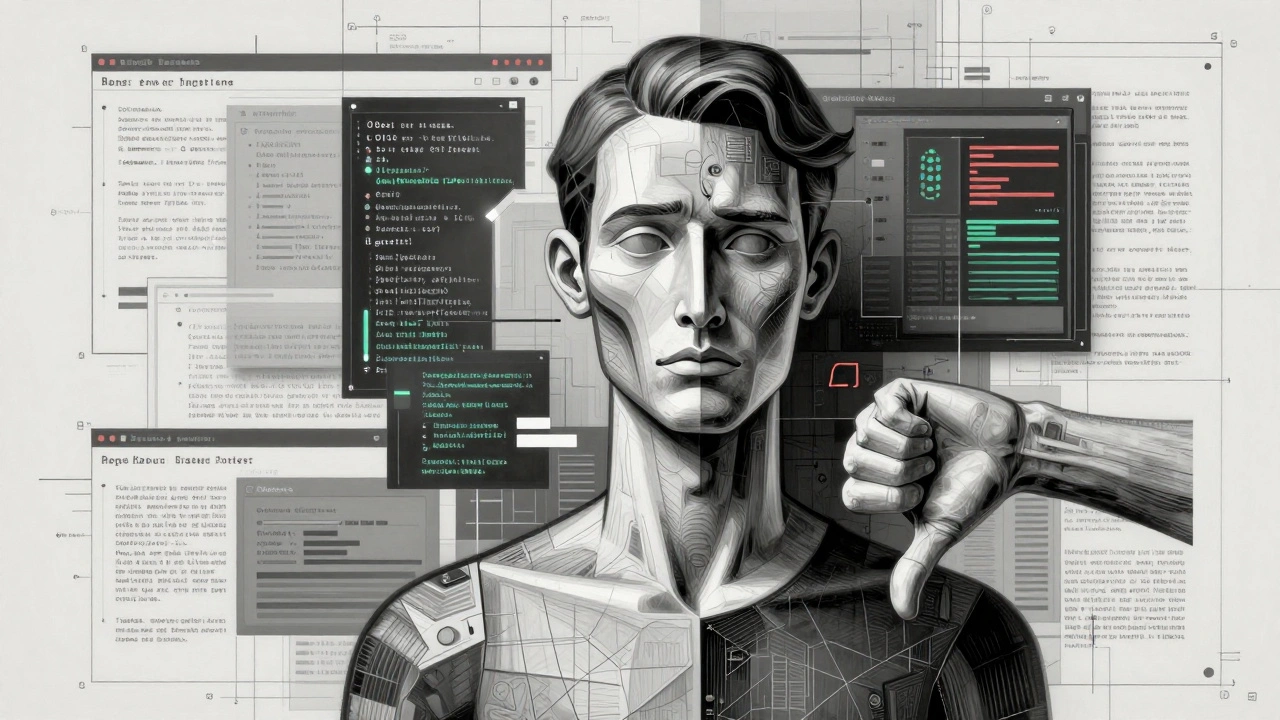
And feedback isn’t just about thumbs up or down. It’s about confirmation. After a user rates a response “down,” the AI should say: “Thanks-I’m learning from this.” That tiny phrase reduces frustration by 58%, according to Salesforce’s internal testing. People don’t want perfection. They want to know they’re being heard.
Control: Give Users the Final Say
Trust isn’t about letting AI run the show. It’s about making sure the human is always in command. Microsoft calls this “Human in Control.” It’s not a buzzword. It’s a rule. And it works.
Atlassian’s Jira AI lets users adjust confidence thresholds. If you’re managing a high-stakes project, you can set the AI to only suggest tasks it’s 90% sure about. That one setting saved one enterprise user from three major misinterpretations in a single sprint.
Another powerful control? Source selection. If you’re using AI for legal research, you should be able to say: “Only pull from U.S. federal court databases.” Not every user needs this-but the ones who do will leave if you don’t offer it.
And here’s the kicker: users who feel in control complete complex tasks 3.2 times faster, according to Microsoft’s Chief Design Officer. Why? Because they’re not second-guessing every output. They’re collaborating.
Contrast that with AI interfaces that mimic humans-avatars, nicknames, emojis. They feel friendly. But they also feel deceptive. A 2025 UX Collective study found anthropomorphized AI scored 31% lower in trust. People don’t want a chat buddy. They want a reliable assistant that says, “I can’t do that,” when it can’t.
What Happens When You Skip These Principles?
There’s a cost to ignoring transparency, feedback, and control. It’s not just bad UX. It’s bad business.
Enterprise adoption rates tell the story. Companies that implemented all six ACM design principles-including Design for Imperfection and Design for Mental Models-saw 78% adoption. Those that only added one or two? Just 34%. The gap isn’t small. It’s existential.
And the regulations are catching up. The EU AI Act, enforced since March 2025, requires high-risk AI systems to include human-in-the-loop controls and clear transparency. Non-compliant tools are being pulled from enterprise marketplaces. In the U.S., proposed legislation by 2027 will require machine-readable labels for all AI-generated content-just like copyright notices.
Even the market is shifting. In Q1 2025, 63% of new AI startups highlighted transparency in their pitch decks. Investors aren’t just funding speed anymore. They’re betting on trust.
How to Start Building Trustworthy AI UX Today
You don’t need a team of AI ethicists to begin. Start here:
- Map your users’ mental models. Interview at least 15 people who’ll use your AI. Ask: “What do you expect it to know? What would make you doubt it?”
- Define limits clearly. Use 50+ edge case scenarios. What happens if someone asks for medical advice? Financial planning? Legal interpretation? Document what the AI will and won’t do.
- Add one feedback mechanism. Start with a simple thumbs up/down button. Then add a follow-up: “How could this be better?”
- Label everything. Use phrases like “AI-generated response” or “Based on your data.” Don’t hide it. Put it where users see it.
- Let users tweak output. Even a simple slider to adjust confidence level gives users power-and reduces errors.
Don’t try to explain everything at once. Microsoft’s research shows that interfaces with more than three layers of explanation cause 53% of users to leave. Use progressive disclosure: show the basics, then let users dig deeper if they want.
Who Gets It Right-and Who Doesn’t
Here’s how top platforms stack up:
| Platform | Transparency | Feedback | Control | Trust Score (5-point scale) |
|---|---|---|---|---|
| Microsoft Copilot | High (context-aware explanations) | High (clear correction paths) | High (human-in-control design) | 4.3 |
| Salesforce Einstein Copilot | Medium (limited sourcing) | Very High (“Explain This” feature) | High (confidence sliders) | 4.2 |
| Google Gemini | Very High (100% source citations) | Medium (basic up/down) | Low (few user adjustments) | 3.9 |
| Meta AI | Low (inconsistent labeling) | Low | Low | 2.8 |
| GitHub Copilot | High (code explanations) | High (developer feedback loops) | Medium (custom prompts) | 4.5 |
Notice a pattern? The highest scorers don’t try to be human. They try to be clear. They don’t hide their limits. They make it easy to fix mistakes. And they never let the AI make the final call.
What’s Next: Dynamic Trust and Cultural Differences
The next frontier isn’t just adding more features. It’s adapting them.
Salesforce’s 2025 research showed AI systems that adjust transparency based on user expertise boost appropriate reliance by 52%. If you’re a developer, show code snippets and logic trees. If you’re a marketer, show simple confidence levels: “80% confident this headline will perform well.”
And culture matters. A November 2024 UX Collective study found users in Japan and South Korea prefer AI that feels authoritative. They trust it more when it gives direct answers. In the U.S. and Germany, users want to feel in charge. They want options. Designing for global audiences means offering both paths.
Final Thought: Trust Isn’t a Feature. It’s the Foundation.
Generative AI isn’t going away. But the tools that survive won’t be the ones with the fanciest visuals or the fastest responses. They’ll be the ones users believe.
When users know what the AI can and can’t do, when they can correct it easily, and when they know they’re still in charge-they stop fearing it. They start using it. And that’s when AI stops being a novelty and becomes a real partner.
The future of AI isn’t smarter algorithms. It’s more honest interfaces. Build that first. Everything else will follow.