When you ask a large language model a question, it doesn’t know what you really want unless you show it. That’s where few-shot prompting comes in. Instead of just giving the model a single instruction - like zero-shot prompting - you give it 2 to 8 clear examples of what good output looks like. And that small change can boost accuracy by 15% to 40%, depending on the task. This isn’t magic. It’s about giving the model the right context, right now, without retraining it.
How Few-Shot Prompting Actually Works
Few-shot prompting doesn’t change the model’s weights. It doesn’t touch the training data. Instead, it feeds examples directly into the prompt, letting the model learn from those examples on the fly. This is called in-context learning. The model sees a pattern - input A leads to output B - and applies it to your new input.
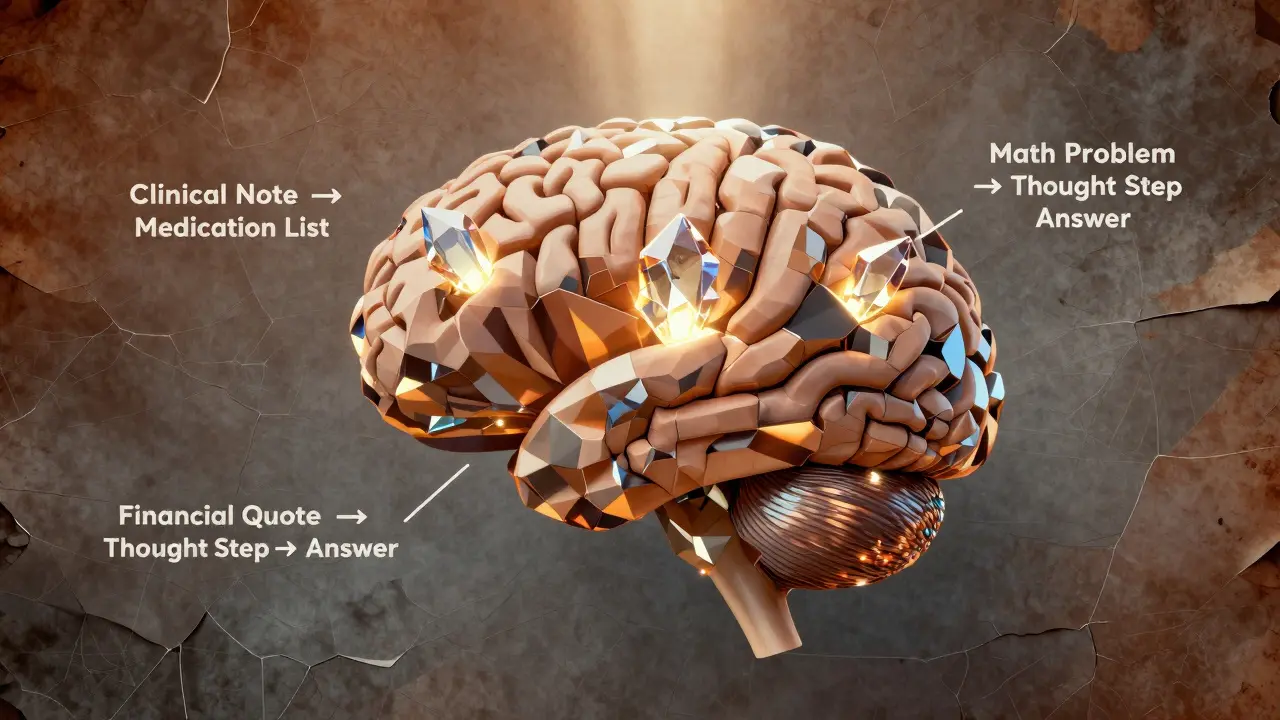
For example, if you want the model to extract medication names from clinical notes, you might give it three examples:
- Input: "Patient was prescribed 10mg of Lisinopril daily." Output: ["Lisinopril"]
- Input: "The patient reports taking Metformin and Atorvastatin." Output: ["Metformin", "Atorvastatin"]
- Input: "Discontinued Gabapentin due to dizziness." Output: ["Gabapentin"]
Then you ask: "Extract medications from: "Patient started on Amoxicillin and Ibuprofen for infection.""
Without those three examples, the model might miss drugs, return incomplete lists, or add irrelevant terms. With them? Accuracy jumps from 76% to 94% in clinical NLP tasks, according to a 2024 study published in PMC. That’s not a small gain - it’s the difference between a useful tool and a dangerous one.
Why 2 to 8 Examples? The Goldilocks Zone
You might think: more examples = better results. But that’s not true. Most models hit a wall after 8 examples. Why? Context windows.
Models like GPT-4, Claude 3, and Gemini 1.5 can handle 4K to 32K tokens per prompt. But each example eats up space. If you stuff in 20 examples, there’s barely room left for your actual question. And here’s the kicker: models often ignore examples in the middle. This is called the lost-in-the-middle effect.
Research from Stanford and Cognativ shows the best results come from 2 to 5 high-quality examples. Place your most important ones at the start and end. Put the easiest example first to set the tone. Put the hardest one last to anchor the pattern. Avoid clutter. Every extra line that doesn’t add clarity hurts performance.
Patterns That Actually Work
Not all few-shot prompts are equal. Some fail. Some explode. Here are the top three patterns that consistently improve accuracy:
1. Consistent Formatting
Use the same structure in every example. If your output is JSON, make every output valid JSON. If it’s a list, use commas. If it’s a label, use uppercase. Inconsistency confuses the model. A 2023 study showed that mixing formats dropped accuracy by up to 12%.
Bad:
- Input: "He took aspirin." → Output: aspirin
- Input: "She was given Tylenol." → Output: ["Tylenol"]
Good:
- Input: "He took aspirin." → Output: ["aspirin"]
- Input: "She was given Tylenol." → Output: ["Tylenol"]
2. Chain-of-Thought Integration
Don’t just show the input-output pair. Show the thinking. Add a step between.
Example for math word problems:
- Input: "John has 3 apples. He buys 5 more. He gives 2 to his friend. How many does he have left?"
- Thought: Start with 3, add 5 → 8, subtract 2 → 6.
- Output: 6
This technique, called chain-of-thought few-shot prompting, boosted mathematical reasoning accuracy by 37% in Cognativ’s 2023 tests. The model learns not just the answer, but how to get there.
3. Ensemble Prompting
What if you ran the same prompt three times with slightly different examples and took the most common answer? That’s ensemble prompting. The PMC clinical NLP study (2024) used this to hit 96% accuracy in disambiguating medical terms. It’s like having three experts vote - and going with the majority.
You don’t need to code it. Just run the prompt manually three times, compare outputs, and pick the most consistent one. Or automate it with a simple script. This is especially powerful in high-stakes domains like healthcare or legal analysis.
Where Few-Shot Prompting Shines (and Where It Fails)
Few-shot prompting isn’t a cure-all. It’s a tool. And like any tool, it works best in the right hands.
Best for:
- Structured output (JSON, XML, tables)
- Domain-specific tasks (medical coding, legal clause extraction, financial reporting)
- Tasks with limited training data
- Quick prototyping without model retraining
Real-world use cases? In healthcare, few-shot prompting improved medication extraction accuracy from 76.4% (zero-shot) to 89.7%. In customer service, it cut misclassification of ticket types by 31%. Financial firms use it to extract earnings call quotes with 92% precision - all without touching the model’s weights.
Where it fails:
- Real-time data needs (stock prices, weather, news)
- Tasks requiring 100+ examples (like training a custom classifier)
- Extremely ambiguous input with no clear pattern
If you need live data, combine few-shot prompting with RAG (Retrieval-Augmented Generation). If you need thousands of examples, consider fine-tuning. But for 90% of real-world applications? Few-shot is the sweet spot.
What’s Next? Automation and Beyond
Right now, most people write few-shot prompts by hand. That’s slow. And error-prone.
Meta’s 2024 paper, AutoPrompt: Efficient Few-Shot Learning, showed an algorithm that automatically selects the best examples from a dataset - reducing manual effort by 22%. Tools like Google’s Vertex AI and OpenAI’s API are starting to bake this in. By 2026, Forrester predicts 65% of enterprise AI apps will use automated few-shot patterns as standard.
And the next frontier? Adaptive few-shot prompting. Imagine a system that tests 3 different example sets, runs them in parallel, and picks the one that gives the highest confidence score. That’s already being tested in labs. It’s not science fiction - it’s the next upgrade.

How to Start - A Simple 3-Step Plan
You don’t need to be a researcher to use this. Here’s how to begin:
- Start with zero-shot. Ask your model the question with no examples. Record the output. Note where it fails.
- Add 3 high-quality examples. Pick examples that cover edge cases, not just the obvious ones. Format them identically. Put the hardest one last.
- Test, tweak, repeat. Try 2 examples. Try 5. Try mixing up the order. Measure accuracy. Use a simple scoring system: 1 point for correct, 0 for wrong. After 10 tests, you’ll know what works.
Don’t aim for perfection. Aim for improvement. Even a 10% gain in accuracy can save hours of manual review - or prevent a costly mistake.
What’s the difference between few-shot and zero-shot prompting?
Zero-shot prompting gives the model only the task - no examples. Few-shot adds 2 to 8 input-output examples to show the model exactly what kind of output you want. Few-shot typically improves accuracy by 15-40% on complex tasks because it gives the model a clearer pattern to follow.
Can I use few-shot prompting with any large language model?
Most modern models - GPT-3.5, GPT-4, Claude 3, Gemini 1.5 - support few-shot prompting. But smaller models (under 10 billion parameters) don’t benefit much. The technique works best on large models trained on diverse, high-quality data. Always test it on your specific model.
How many examples should I use?
Start with 3. That’s the sweet spot for most tasks. You can go up to 5 if the task is complex. More than 8 rarely helps - and can hurt performance due to context window limits. Always prioritize quality over quantity.
Why do my few-shot prompts sometimes give inconsistent results?
Inconsistency usually comes from three issues: (1) examples have different formats (e.g., one uses JSON, another uses plain text), (2) examples are too similar or too vague, or (3) the model is prioritizing examples in the middle of the prompt (the "lost-in-the-middle" effect). Fix this by using consistent formatting, placing critical examples at the start and end, and testing with fewer examples.
Is few-shot prompting better than fine-tuning?
It’s not better - it’s different. Fine-tuning can be 8-15% more accurate than few-shot prompting, but it costs thousands of dollars and takes days. Few-shot prompting works instantly, costs nothing extra, and lets you change behavior on the fly. For most applications, especially those needing speed and flexibility, few-shot is the smarter choice.
Can few-shot prompting be automated?
Yes. Tools like Meta’s AutoPrompt and Google’s Vertex AI now automatically select and optimize examples from your data. These systems reduce manual work by up to 22%. By 2026, most enterprise systems will use automated few-shot patterns - you’ll just define the goal, and the system will build the best prompts for you.
Final Thought: It’s Not About More Data - It’s About Better Examples
Few-shot prompting works because it turns the model into a quick learner. You’re not feeding it more data. You’re giving it better direction. In a world where AI models are getting bigger, the real breakthrough isn’t more parameters - it’s smarter prompts. The next time your model gives a wrong answer, don’t blame the model. Ask: Did I show it clearly enough?
Yashwanth Gouravajjula
March 1, 2026 AT 05:16Simple. Effective.
Kevin Hagerty
March 2, 2026 AT 03:37Janiss McCamish
March 3, 2026 AT 00:15Don’t overcomplicate it. Just show it.
Richard H
March 4, 2026 AT 18:32China’s trying to copy this but their examples are all garbage. No wonder their models hallucinate.
Kendall Storey
March 5, 2026 AT 11:48It’s like having three interns and taking the consensus. Low effort, high reward. Try it.
Ashton Strong
March 6, 2026 AT 00:04One might further posit that the temporal efficiency of this method renders it indispensable in high-stakes operational environments, particularly where iterative model retraining is neither feasible nor fiscally prudent.
Steven Hanton
March 6, 2026 AT 03:33Start with an easy one. End with the hardest. Keep formatting locked. That’s all. The model isn’t magic - it’s pattern-matching. Treat it like a smart intern, not a psychic.
Pamela Tanner
March 6, 2026 AT 17:09Kristina Kalolo
March 8, 2026 AT 03:34