AI coding assistants like GitHub Copilot and Amazon CodeWhisperer now write nearly a third of new code in enterprise environments. That’s not a future trend-it’s today’s reality. But here’s the problem: AI-generated code is often functional, but dangerously insecure. A 2024 Kiuwan analysis found that 43% of AI-written code contains security flaws, compared to just 22% in code written by humans. That gap isn’t a bug-it’s a feature of how AI models learn. They optimize for working solutions, not secure ones. And that’s where verification engineers come in.
Why AI Code Needs a Different Kind of Review
Traditional code reviews look for syntax errors, logic bugs, or obvious security holes. But AI-generated code rarely has those. Instead, it quietly misses critical security steps. It might use a hardcoded API key because the model saw it in a GitHub gist. It might skip input validation because the function ‘works fine’ with test data. It might disable XML entity parsing because the AI doesn’t understand the risk. This isn’t about bad code. It’s about incomplete code. The AI understands what to do, but not what it shouldn’t do. That’s why standard SAST tools, which catch 62-68% of traditional vulnerabilities, only detect about half of AI-specific flaws. You need a new approach.The Core AI-Specific Vulnerability Patterns
Verification engineers must train their eyes to spot these three patterns above all others:- Missing input validation: AI often assumes user input is clean. It skips sanitization for email fields, URL parameters, or file uploads-even when those inputs feed directly into SQL queries or system commands.
- Improper error handling: AI code tends to expose stack traces, database errors, or internal paths when something fails. This gives attackers a roadmap to exploit the system.
- Insecure API key and secret management: AI frequently suggests embedding keys directly in code, config files, or environment variables without rotation, encryption, or access controls. In one case, a 30,000-line codebase caught 147 secrets leaked by AI suggestions.
The Verification Engineer’s AI Security Checklist
Use this checklist for every pull request containing AI-generated code. It’s based on the OpenSSF Security-Focused Guide (v2.1, August 2024) and field-tested across 12 enterprise teams.- Tag the code. Add a comment:
// AI-GENERATEDor use your team’s metadata system. This triggers automated checks and reminds reviewers to apply extra scrutiny. - Check for hardcoded secrets. Search for: API keys, passwords, tokens, certificates. Use tools like TruffleHog or GitLeaks. If it’s in the code, it’s exposed.
- Verify input validation. For every user input (form field, URL param, file upload), confirm it’s passed through a proper validator. No exceptions. If the AI used a regex, check it’s not overly permissive.
- Review error responses. Trigger a failure. Does the app return a stack trace? A database name? A file path? If yes, it’s a vulnerability. Use constant-time comparisons for sensitive checks (like passwords) to avoid timing attacks.
- Block dangerous functions. Look for:
eval(),exec(),system(),dangerous_deserialize(). AI often suggests these because they’re convenient. Block them with a pre-commit hook. - Validate authentication flows. Does the code use bcrypt, Argon2, or PBKDF2 for password hashing? Or does it use MD5 or plain text? AI doesn’t know the difference. Verify session tokens are HTTP-only, secure, and regenerated after login.
- Check output encoding. For any user-controlled data displayed on a page, confirm it’s HTML-encoded. AI frequently forgets this in React, Angular, or templating engines.
- Test for insecure deserialization. If the code handles JSON, XML, or serialized objects from untrusted sources, verify it uses safe parsers. AI often disables entity resolution in XML parsers to ‘speed things up’-that’s a critical flaw.
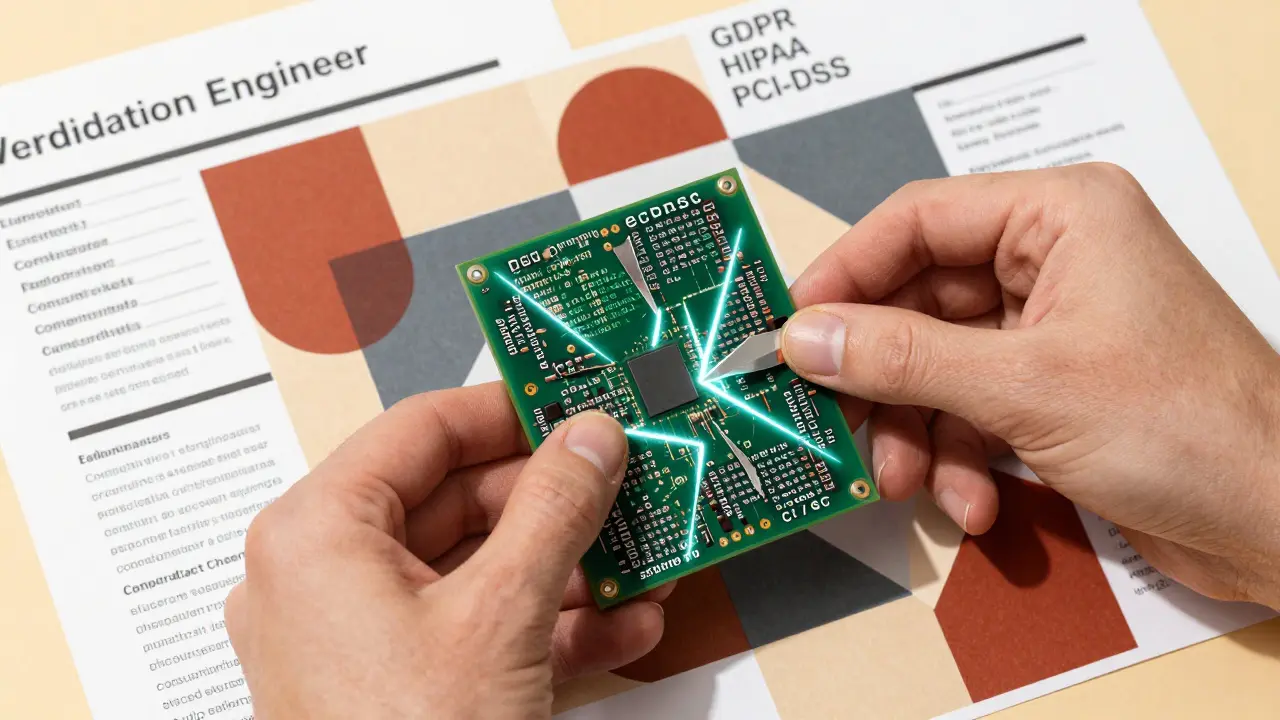
- Confirm compliance controls. Does the code meet HIPAA, PCI-DSS, or GDPR? AI has no concept of regulatory context. Manually verify data encryption at rest, access logs, and data retention policies.
Tools That Work-And Which Ones Don’t
Not all SAST tools are built for AI code. Here’s what the data says:| Tool | AI Vulnerability Detection Rate | False Positive Rate | Compliance Coverage | Integration Ease |
|---|---|---|---|---|
| Mend SAST (v4.2) | 92.7% | 12% | Full (GDPR, HIPAA, PCI-DSS) | High (CI/CD, IDE, PR hooks) |
| Kiuwan | 88.3% | 15% | Strong (PCI-DSS focus) | Medium |
| Snyk Code | 81.5% | 18% | Basic | High |
| Traditional SAST (e.g., SonarQube) | 65% | 22% | Basic | High |
| Open-source (Semgrep, Bandit) | 58% | 31% | Low | Medium |
export SARIF_ARTIFACT=true in your workflow and integrate with hawk scan --sarif-artifact for automated alerts.
Real-World Challenges and How to Solve Them
Verification engineers report three big pain points:- False positives: AI tools flag 18% of code as risky when it’s not. Solution: Build a false positive library. Every time you dismiss a flag, document why. Over time, your SAST tool learns.
- Compliance blind spots: AI doesn’t know HIPAA rules. Solution: Create a compliance checklist per regulation. Attach it to every AI-generated module. Use templates.
- Slow reviews: Adding checks increases review time by 22% initially. Solution: Automate the low-hanging fruit. Pre-commit hooks catch 70% of issues before a PR is even opened.

The Future Is Integrated
The next big shift isn’t a new tool-it’s built-in security. GitHub Copilot’s Q2 2025 update will include Semgrep-powered validation that flags insecure patterns as you type. That’s the endgame: security woven into the AI assistant itself. But until then, verification engineers are the last line of defense. You’re not just reviewing code-you’re teaching AI to be responsible. And that requires more than automation. It requires vigilance, pattern recognition, and a checklist that doesn’t quit.Getting Started Today
You don’t need a team of 10 or a $500K budget. Start here:- Install a free SAST tool like Semgrep in your IDE.
- Create a simple checklist with the top 5 AI-specific risks.
- Apply it to the next 5 AI-generated PRs.
- Document what you found-and what you missed.
- Share the results with your team.
Why is AI-generated code more insecure than human-written code?
AI models optimize for functionality, not security. They learn from public code that often includes insecure patterns-like hardcoded secrets or unvalidated inputs-because those examples are common. AI doesn’t understand context, risk, or compliance. It generates code that works in testing but skips security steps that seem ‘optional’ to the model. This creates a class of vulnerabilities that are invisible to traditional tools but obvious to humans trained to spot security omissions.
Can automated tools fully replace manual review for AI code?
No. Even the best AI-aware SAST tools like Mend SAST have false positive rates of 12-18% and struggle with business logic context. For example, an AI tool might flag a password hash as weak because it uses SHA-256, but your system requires SHA-256 for legacy compatibility. Only a human can weigh trade-offs between security, compliance, and operational needs. Automation catches patterns. Humans catch intent.
What’s the biggest mistake teams make when reviewing AI code?
Assuming the code is safe because it ‘works.’ AI-generated code often passes all unit tests and runs without errors. That’s not a sign of security-it’s a trap. The most dangerous flaws are the ones that don’t break functionality. Missing input validation, insecure error messages, and hardcoded secrets don’t crash apps-they just let attackers in quietly.
How long does it take to train engineers to review AI code effectively?
Most teams need 40-60 hours of focused training to build pattern recognition skills for AI-specific vulnerabilities. This includes hands-on practice with real AI-generated code samples, reviewing past breaches caused by AI, and learning to interpret SAST outputs. Organizations report 3-4 months to fully integrate AI review into their SDLC, but engineers start seeing results within the first two weeks of using a structured checklist.
Should we stop using AI coding assistants because of security risks?
No. The productivity gains are too significant. AI can cut development time by 30-50% on routine tasks. The goal isn’t to eliminate AI-it’s to build guardrails. Teams that combine AI assistance with verified security checklists ship faster and more securely than teams that code manually or rely on AI without oversight. Security isn’t a blocker-it’s a multiplier.
What compliance standards are hardest for AI to meet?
HIPAA, PCI-DSS, and GDPR are the toughest because they require context. AI doesn’t know what ‘protected health information’ means or why a payment field needs tokenization. It can’t distinguish between a test environment and production. Manual review is mandatory here. Build compliance templates tied to each regulatory requirement and attach them to every AI-generated module that handles sensitive data.
Is open-source SAST good enough for AI code review?
It’s a starting point, but not enough. Open-source tools like Bandit or Semgrep catch basic patterns but lack the trained models that detect AI-specific omissions. They’re great for finding hardcoded keys or SQL injection in traditional code, but miss the subtle, functional-yet-insecure patterns AI creates. For enterprise use, pair them with commercial AI-aware tools like Mend or Kiuwan. Use open-source for pre-commit checks; use commercial tools for deep analysis.
Destiny Brumbaugh
January 20, 2026 AT 02:52AI writes code like a drunk intern who got handed the keys to the kingdom. It’ll slap together a login system with passwords in plain text and call it a day. We’re not talking about bugs-we’re talking about backdoors with a side of coffee stains. And yet managers act like it’s magic. Time to stop being nice and start checking every damn line.
Kirk Doherty
January 21, 2026 AT 11:45Been using Copilot for a year now. Most of the time it’s fine. But yeah, the hardcoded secrets thing? Got burned twice. Now I just run TruffleHog on every PR before I even look at it. Saves headaches.
Dmitriy Fedoseff
January 23, 2026 AT 08:34Let’s be honest-we’re outsourcing critical thinking to a statistical parrot trained on GitHub gists full of bad habits. The AI doesn’t understand risk because it doesn’t understand consequence. It sees ‘user input’ and thinks ‘cool, let’s pass it to eval() because that’s what worked in the tutorial.’ We’re not reviewing code anymore. We’re doing damage control for a machine that thinks ‘working’ means ‘safe.’ This isn’t a tool problem. It’s a cultural one. We trained AI to optimize for speed, not survival. Now we’re paying the price with our security posture. The checklist? Good. But what we really need is a new philosophy: security isn’t a feature. It’s the foundation. And we stopped laying it when we handed the keyboard to the bot.
Meghan O'Connor
January 25, 2026 AT 07:47"AI-generated code is often functional, but dangerously insecure" - grammatically, this sentence is fine, but you missed a comma after "functional". Also, "SAST" is pluralized incorrectly in three places. And why is "GDPR" capitalized in one table row but not in the next? This article reads like a first draft someone rushed before a standup. Also, you mention "Semgrep-powered validation" but don’t link to the docs. Lazy.
adam smith
January 26, 2026 AT 00:02Start with the checklist. Use Semgrep. Do it for five PRs. Then tell me you didn’t find something you missed before. Simple. Effective. No magic needed.