Imagine your data science team has spent three weeks training a new large language model. The results are promising, but you need to integrate it with the existing recommendation engine. In a traditional setup, this means merging a massive feature branch that hasn't touched the main codebase in 21 days. Now imagine the merge fails because someone else updated the API schema two days ago. You’re stuck. This is the classic "merge hell" that plagues software teams, but for AI-heavy teams, who blend rapid experimentation with complex infrastructure, the stakes are even higher.
The choice between GitFlow and Trunk-Based Development (TBD) isn’t just about git commands; it’s about how your team handles uncertainty, speed, and integration. While GitFlow offers structure, Trunk-Based Development offers velocity. For modern AI teams building models that change daily, one approach often breaks down under pressure while the other scales. Let’s look at why most high-performing AI teams are ditching long-lived branches for a single trunk.
The Core Conflict: Structure vs. Speed
To understand which strategy fits your team, you first need to see how they handle code integration differently. GitFlow is a branching model that organizes version control through multiple long-lived branches including main, develop, release, and hotfix branches. It was designed for an era where software releases happened quarterly or annually. Developers work in isolation on feature branches for days or weeks before merging back to shared branches. This separation provides a safety net-you can test features extensively without affecting the main codebase.
In contrast, Trunk-Based Development requires all developers to work on a single main branch (called trunk or main), pushing code directly with high frequency. Instead of waiting for a feature to be perfect, developers commit small changes constantly. Short-lived support branches exist only when necessary and merge back to main within hours, not days. The core philosophy is simple: keep the main branch deployable at all times. If the trunk breaks, everyone stops until it’s fixed. This creates immediate accountability and faster feedback loops.
| Feature | GitFlow | Trunk-Based Development |
|---|---|---|
| Branch Lifespan | Days to Weeks | Hours (usually < 4 hours) |
| Merge Frequency | Infrequent (per feature) | Constant (multiple times per day) |
| CI/CD Requirement | Optional but recommended | Mandatory (high automation needed) |
| Merge Conflicts | High risk during large merges | Low risk due to small diffs |
| Best For | Scheduled releases, regulated industries | Continuous delivery, fast iteration |
Why AI Teams Struggle with GitFlow
AI development is fundamentally different from traditional web development. You aren’t just writing code; you are managing datasets, model weights, hyperparameters, and experiment tracking tools like MLflow or Weights & Biases. When you isolate your work on a GitFlow feature branch for two weeks, several things go wrong.
First, data drift becomes invisible. By the time you merge your feature branch, the underlying data distribution might have shifted. Your model performance metrics, which looked great on day one, may no longer hold true. Second, dependency conflicts explode. AI projects rely heavily on specific versions of libraries like TensorFlow, PyTorch, or scikit-learn. Keeping these dependencies synchronized across isolated branches is a nightmare. When you finally try to merge, you spend more time resolving package conflicts than fixing bugs.
Third, collaboration suffers. In AI teams, data scientists and engineers often work in silos. A data scientist might train a model while an engineer builds the inference pipeline. Under GitFlow, these two streams remain disconnected until the end. If the model interface changes slightly, the engineer’s pipeline breaks. With Trunk-Based Development, both parties integrate their changes daily. They catch interface mismatches immediately, not weeks later.
The Power of Trunk-Based Development for AI
Trunk-Based Development shines in AI environments because it mirrors the iterative nature of machine learning. Training a model is rarely a one-off event. You tweak a parameter, retrain, evaluate, and repeat. TBD supports this cycle by allowing small, frequent commits. Each commit represents a tiny step forward, making it easier to track what changed and why.
Consider the role of Continuous Integration (CI). In TBD, every push to the trunk triggers automated tests. For AI teams, this means running unit tests, integration tests, and even lightweight model validation checks. If a change breaks the build, the team knows instantly. They can roll back the specific commit that caused the issue. This is far superior to discovering a broken build after a massive merge attempt.
Moreover, TBD encourages smaller pull requests. Reviewing a 50-line change is easy. Reviewing a 5,000-line feature branch is exhausting and error-prone. Small PRs mean faster reviews, quicker approvals, and less cognitive load for senior engineers. This speed is critical when you’re racing against competitors to deploy the latest AI capabilities.

When GitFlow Still Makes Sense
Don’t throw out GitFlow entirely. There are scenarios where its structure is invaluable. If your team operates in a highly regulated industry like healthcare or finance, you may need strict audit trails and controlled release processes. GitFlow’s separate release and hotfix branches provide clear boundaries for compliance checks. You can freeze a release branch for QA testing while continuing development on the main line.
Additionally, if your team is small and inexperienced with automation, GitFlow offers a gentler learning curve. TBD demands robust CI/CD pipelines, automated testing, and strong discipline. Without these guardrails, TBD can lead to chaos. If you don’t have reliable automated tests, pushing directly to the trunk is risky. GitFlow allows you to build those foundations gradually.
Implementing Trunk-Based Development Successfully
Switching to Trunk-Based Development isn’t just a git config change; it’s a cultural shift. Here’s how to do it right:
- Invest in Automation: You cannot do TBD without solid CI/CD. Set up pipelines that run linting, unit tests, and security scans on every commit. Use tools like GitHub Actions or GitLab CI to automate these checks.
- Use Feature Flags: Since you’re deploying frequently, you need a way to hide unfinished features. Feature flags allow you to merge code into the trunk without exposing it to users. This decouples deployment from release, giving you flexibility.
- Keep Branches Short: Enforce a rule that no branch should live longer than 24 hours. If a task takes longer, break it down into smaller subtasks. This prevents merge conflicts and keeps the trunk clean.
- Adopt Merge Queues: Tools like Mergify.io offer merge queues that stack pull requests and test them together before merging. This ensures that the combination of changes doesn’t break the build, even if individual PRs pass tests.
- Monitor Model Performance: Integrate model monitoring into your CI pipeline. Check for data drift, concept drift, and performance degradation automatically. If a new commit causes accuracy to drop below a threshold, block the merge.
Handling Model Versioning in TBD
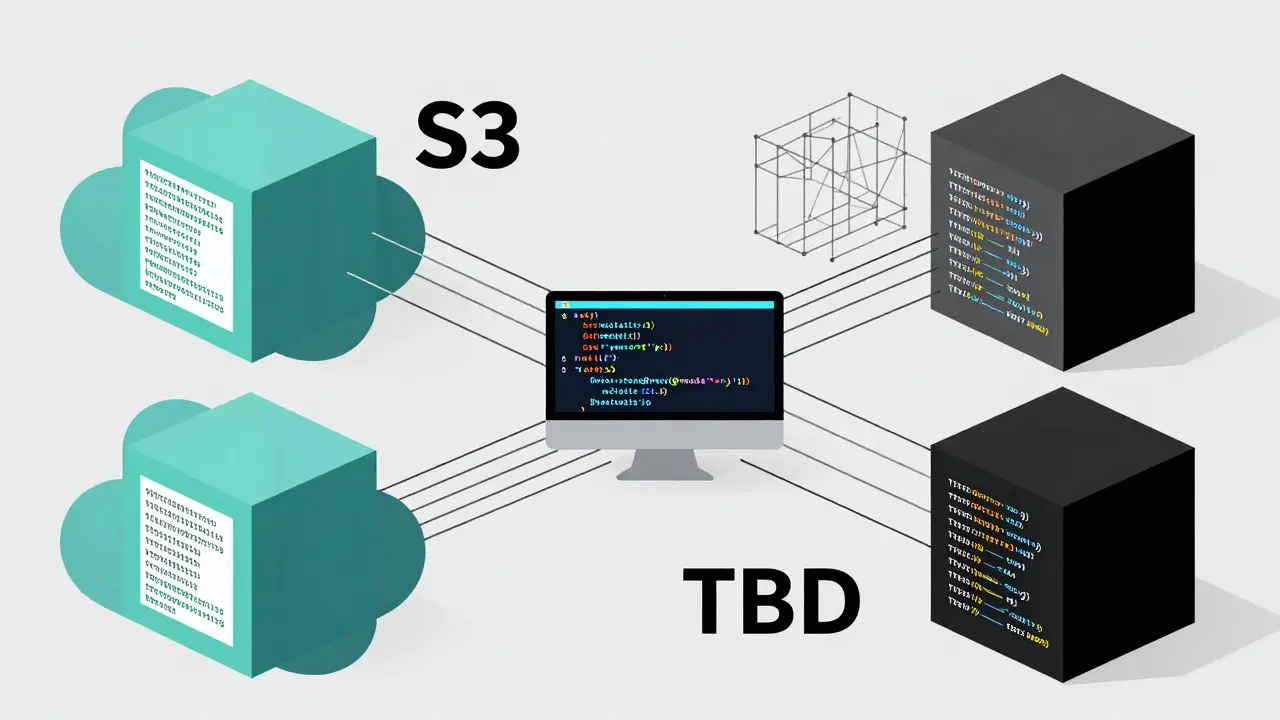
One common concern with TBD is how to manage model artifacts. Unlike code, model files are large and binary. You don’t store them directly in git. Instead, use artifact repositories like S3 buckets or MLflow Model Registry. Your code in the trunk references these artifacts via unique identifiers (UUIDs or hashes). This keeps your repository lightweight while ensuring reproducibility. When you commit code that trains a new model, the pipeline pushes the model to storage and updates the reference in the code. This separation of concerns works seamlessly with TBD.
Conclusion: Choosing Your Path
For most AI-heavy teams aiming for rapid innovation, Trunk-Based Development is the superior choice. It reduces friction, accelerates feedback, and aligns with the iterative nature of machine learning. GitFlow remains useful for regulated environments or teams lacking automation maturity. However, as AI moves faster, the cost of slow integration grows. Embracing TBD means embracing speed, transparency, and continuous improvement. Start small, automate rigorously, and watch your team’s velocity soar.
Is Trunk-Based Development safe for production?
Yes, provided you have robust automated testing and CI/CD pipelines. The key is catching errors early through small, frequent commits rather than risking large, infrequent merges. Feature flags also add an extra layer of safety by allowing you to disable problematic features instantly.
How do I handle large model files in Trunk-Based Development?
Never store large model files directly in git. Use external artifact storage like AWS S3 or Azure Blob Storage. Reference these files in your code using unique identifiers. This keeps your git history clean and ensures that model versions are tracked separately from code changes.
Can GitFlow work with Continuous Deployment?
It can, but it’s inefficient. GitFlow’s long-lived branches delay integration, making continuous deployment harder to achieve. While you can automate deployments from release branches, the process is slower and more prone to integration issues compared to Trunk-Based Development.
What tools help implement Trunk-Based Development?
Tools like GitHub Actions, GitLab CI, Jenkins, and CircleCI are essential for automation. For merge management, consider Mergify.io or similar services that offer merge queues. For feature flagging, LaunchDarkly or Unleash are popular choices. These tools reduce the manual overhead and risk associated with frequent deployments.
How does TBD affect code review quality?
TBD improves code review quality by enforcing smaller pull requests. Smaller changes are easier to read, understand, and verify. Reviewers can focus on specific logic rather than sifting through thousands of lines of code. This leads to faster feedback and fewer overlooked bugs.